Here's a test. Read these two LinkedIn® post openings and guess which one was written by a human:
Post A:
Are you struggling to create engaging LinkedIn® content? You're not alone. In fact, 73% of professionals find it challenging to maintain a consistent posting schedule. Here are 5 tips that will transform your LinkedIn® strategy...
Post B:
I almost deleted my LinkedIn® account last year. 200 posts in 8 months and my best-performing one got 12 likes. Then I changed one thing about how I write hooks and my average went from 12 to 400+ impressions. Here's what happened.
Post A is generic AI output. Post B was written with a voice-trained AI that learned the author's storytelling style, sentence rhythm, and hook patterns.
Most AI LinkedIn® post generators produce some version of Post A. We tested 10 of them to find which ones can actually produce something closer to Post B. Here's how they ranked.
Quick Comparison: AI LinkedIn® Post Generators
Tool | AI Approach | Learns Your Voice | Starting Price | Free Plan | Best For |
|---|---|---|---|---|---|
Reepl | Voice profile AI (Claude + GPT) | Yes, auto-learns from posts | Free | Yes | Posts that match your actual voice |
Taplio | GPT + post database | Limited | $69/mo (Growth, with AI) | No | Content inspiration + scheduling |
ChatGPT | General LLM | No (manual prompting) | Free / $20/mo | Yes | Versatile writing with custom prompts |
MagicPost | Style-import LinkedIn® AI | Yes, imports profile style | $69/mo (Creator) | Trial only | Quick, voice-matched post generation |
EasyGen | LinkedIn®-trained GPT | Partial, tone setup | Not published | Trial only (7 days) | Chrome extension writers |
Supergrow | Template AI with voice training | Yes, learns over time | $19/mo | No | Budget-friendly all-in-one |
Copy.ai | Brand Voice AI | Yes, from content samples | $29/mo (Chat) | No | GTM teams, not solo LinkedIn® writers |
Jasper | Brand IQ + templates | Yes, from uploads | $69/mo (Pro) | No | Enterprise marketing teams |
AuthoredUp | Formatting + basic AI | No | $19.95/mo | No | Post formatting and previews |
Postdrips | AI writing + styling | No | $20/mo | Trial only | Budget-friendly post creation |
1. Reepl: Voice-Learning AI That Works Inside LinkedIn®
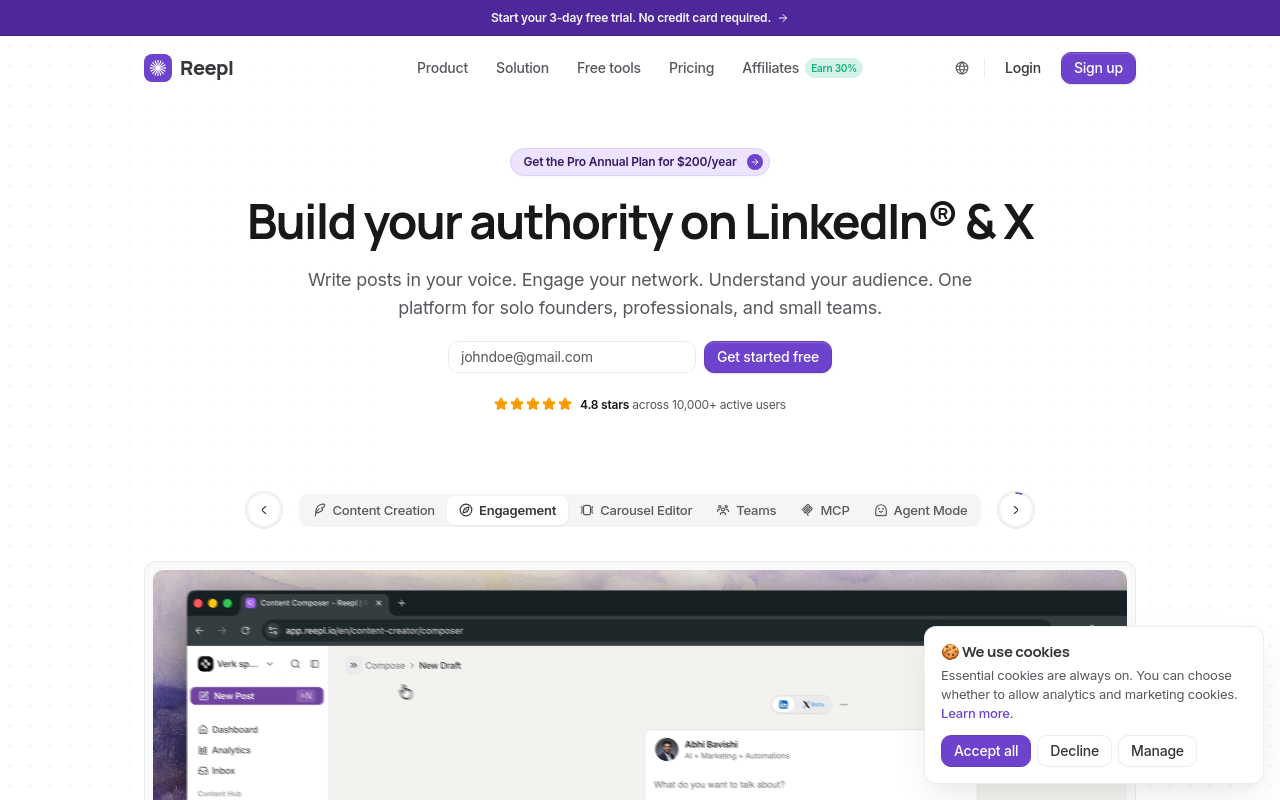
Reepl takes a different approach from most AI LinkedIn® post generators. Instead of starting from templates, it builds a detailed voice profile by analyzing your existing LinkedIn® posts. The AI maps your tone dimensions (formality, confidence, warmth), sentence patterns, hook structures, vocabulary choices, and even your punctuation habits.
The result: posts that read like you wrote them on a good day, not like a chatbot guessing what a LinkedIn® post should sound like.
How the AI works
Reepl's AI Copilot lets you choose between Claude and GPT models (plus BYOK if you want to use your own API key), then applies your voice profile on top. You can write from scratch, paste content to rewrite, or upload files. The Chrome extension adds AI writing tools directly on LinkedIn®, so you never leave the platform.
Voice profiles are trained on your own past LinkedIn® posts and writing samples, capturing tone, style, and audience so drafts read like you rather than a template. You can save multiple voice profiles and switch between them.
Pricing
Free plan includes 200 monthly AI credits. Paid plans start at $19/mo (Pro) and unlock more credits, scheduling, and multi-account support. See reepl.io/pricing for current plans.
Sample output quality: Personalized. Posts match individual writing patterns, not generic LinkedIn® formulas.
2. Taplio: Post Database + GPT-Powered Writing
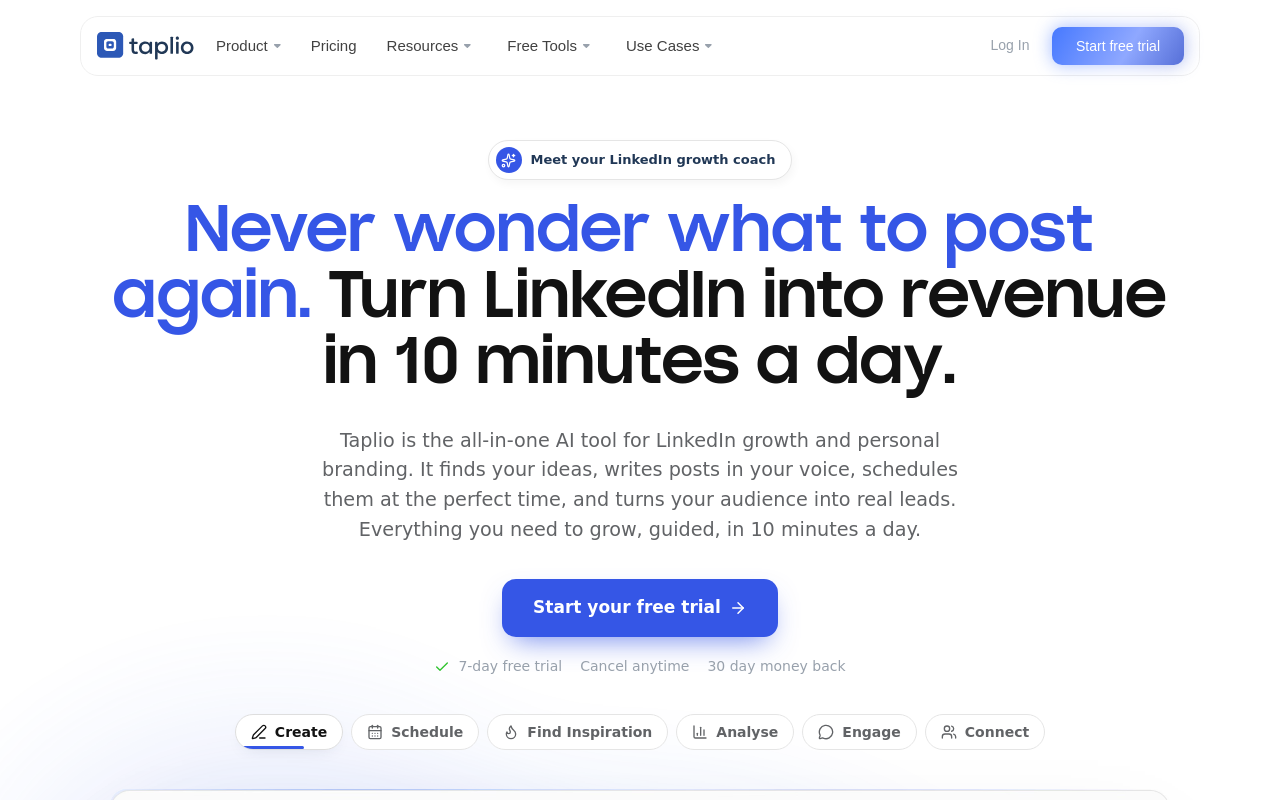
Taplio combines a large database of high-performing LinkedIn® posts with GPT-powered generation. The idea is that you browse what already works, then use AI to create something similar.
How the AI works
The AI generates posts based on topics you provide, with access to a library of viral LinkedIn® posts for inspiration. You can pick a post format (story, listicle, hot take) and Taplio fills in the content. The output tends to follow proven LinkedIn® structures, which means it performs well but can feel templated.
Taplio does not deeply learn your individual voice. You can set general preferences, but the AI leans on what works on LinkedIn® broadly rather than what sounds like you specifically. Note that AI features are only available on the Growth plan ($69/month, or $49/month billed annually), the Starter plan at $39/month does not include AI writing.
Pricing
Starter at $39/month (no AI). Growth at $69/month, or $49/month billed annually (includes AI). Pro at $199/month, or $149/month annually (unlimited AI posts and comments). No free plan, but offers a 7-day trial.
Sample output quality: Decent. Well-structured posts that follow LinkedIn® best practices, but generic in voice. See our detailed Reepl vs Taplio comparison.
3. ChatGPT: Most Versatile, Most Work Required
ChatGPT can write LinkedIn® posts. It can also write poems, code, and legal briefs. That versatility is both its strength and its weakness as an AI LinkedIn® writer.
How the AI works
Out of the box, ChatGPT produces the most recognizable AI-sounding LinkedIn® content. The "Are you struggling with..." hooks, the bullet-point structures, the corporate tone, that's ChatGPT's default LinkedIn® mode.
With careful prompting, you can get better results. Feed it your writing samples, give it detailed style instructions, and iterate on the output. But this takes 10-15 minutes of prompt engineering per post, and the results reset with each new conversation unless you use Custom Instructions or GPTs.
Pricing
Free tier available. ChatGPT Plus is $20/month and unlocks OpenAI's current flagship model plus longer context windows. ("GPT-4o" is outdated: OpenAI has shipped several model generations since, so we're not naming a specific version here. OpenAI's own pricing page blocks automated verification, so this price is corroborated by multiple current secondary sources rather than confirmed directly.)
Sample output quality: Generic by default. Decent with heavy prompting. Never truly personalized without significant effort. See our detailed Reepl vs ChatGPT comparison.
4. MagicPost: Style Import With a Simple Interface
MagicPost offers a clean, focused experience. Paste a topic, pick a tone, get a LinkedIn® post. But it goes a step further than basic generators by letting you import a LinkedIn® profile's writing style.
How the AI works
MagicPost can analyze any LinkedIn® profile's writing patterns, tone, and structure, then generate posts that mimic that style. It also learns from your past posts and the profile context you provide, gradually improving its output to match your preferences. It supports content repurposing from articles, videos, and other sources into LinkedIn®-ready formats.
The style import is a solid feature, though it works from public profile data rather than building the deep, multi-dimensional voice profiles that track sentence-level patterns and rhetorical devices.
Pricing
MagicPost's plans have changed since this list was first published: there's no longer a "Starter" tier or a fixed 30-post cap. Current plans are Analytics at $35/month, or $21/month billed annually (scheduling and metrics, no AI writer), and Creator at $69/month, or $39/month billed annually (unlimited AI posts, the "most popular" tier). A free trial is available with no credit card required, though the vendor doesn't publish an exact post count for it.
Sample output quality: Decent. Better than raw ChatGPT thanks to the style import feature, but less granular than full voice profiling. See our detailed Reepl vs MagicPost comparison.

5. EasyGen: Premium LinkedIn® Post Generation
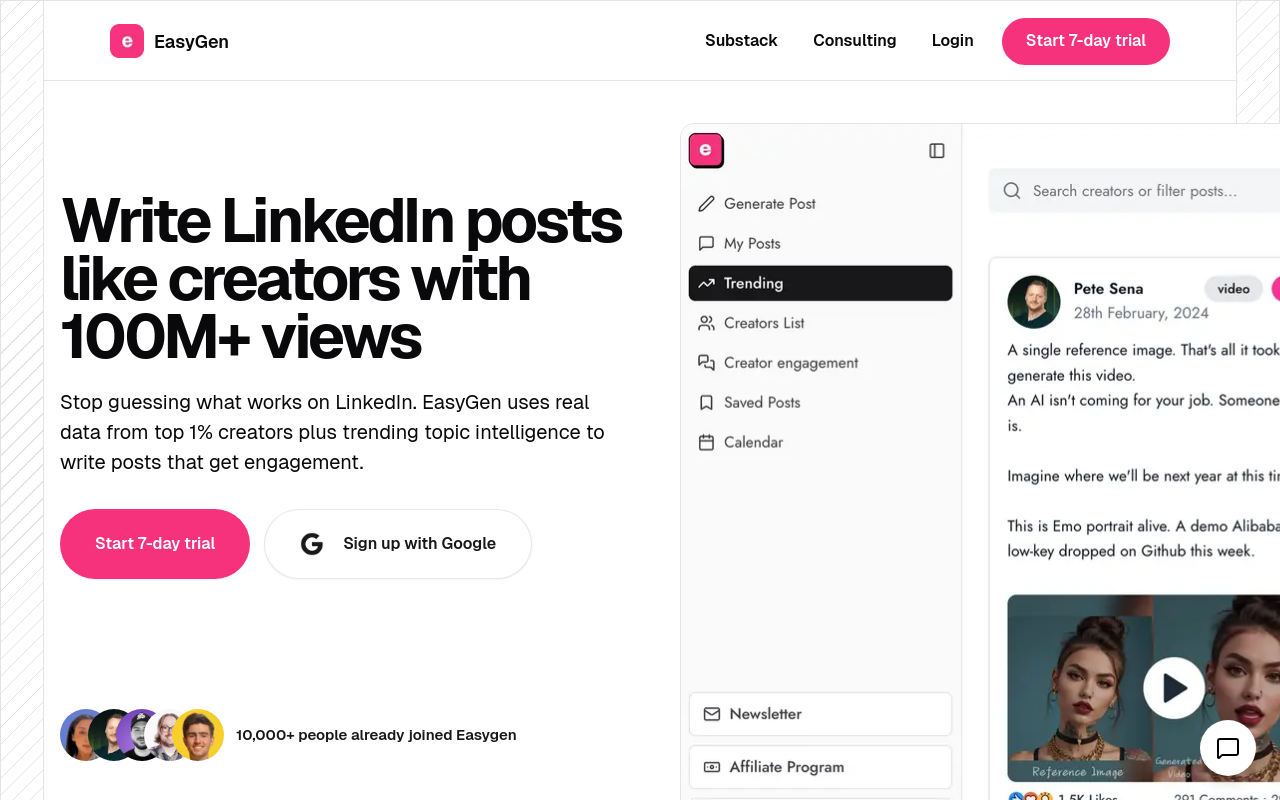
EasyGen positions itself as a premium AI LinkedIn® writer with both a Chrome extension and web app. It walks you through a setup process where you define your LinkedIn® identity, tone preferences, and content focus.
How the AI works
During onboarding, EasyGen asks about your tone (formal, casual, inspirational), target audience, and topics. It uses this to customize output, and the AI improves based on your feedback over time. The tool also analyzes data from top-performing LinkedIn® creators to inform its suggestions.
A standout feature is voice note dictation, speak your ideas and EasyGen turns them into polished posts. The personalization is better than template-only tools, though it does not build the deep voice profiles that map your specific sentence structures and vocabulary.
Pricing
EasyGen doesn't publish pricing on its marketing site or its (login-gated) in-app pricing page. The $59.99/month figure commonly cited elsewhere could not be confirmed from EasyGen's own site, so treat it as unverified. What is confirmed: a 7-day free trial, not a fixed number of free posts.
Sample output quality: Decent. Noticeably better than default ChatGPT, with some personalization from the setup process. See our detailed Reepl vs EasyGen comparison.
6. Supergrow: Budget-Friendly AI With Voice Training
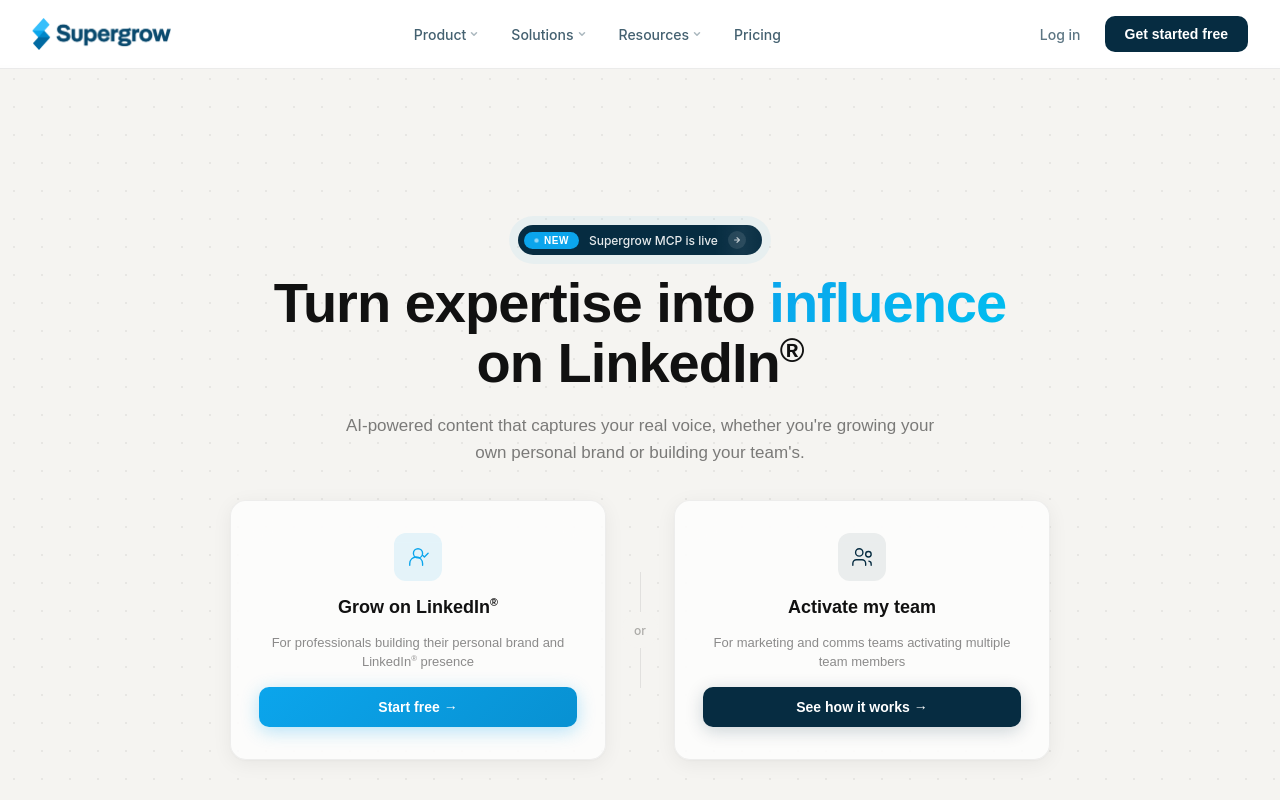
Supergrow is an all-in-one LinkedIn® branding platform that combines content templates with voice learning at a competitive price point.
How the AI works
Supergrow lets you feed it your existing LinkedIn® posts and writing samples to build what it calls a "Content DNA" profile. You define voice characteristics, and the AI uses these parameters to generate posts. The more you use it, the better it gets at mimicking your voice.
It also generates posts from YouTube videos, articles, PDFs, and voice notes. For agencies managing multiple LinkedIn® accounts, Supergrow lets you train separate voice profiles per client.
Pricing
Starts at $19/month (Starter). No free plan, but offers a 7-day trial.
Sample output quality: Decent to good, improving with use. The voice training takes time to dial in but produces reasonable results once trained.
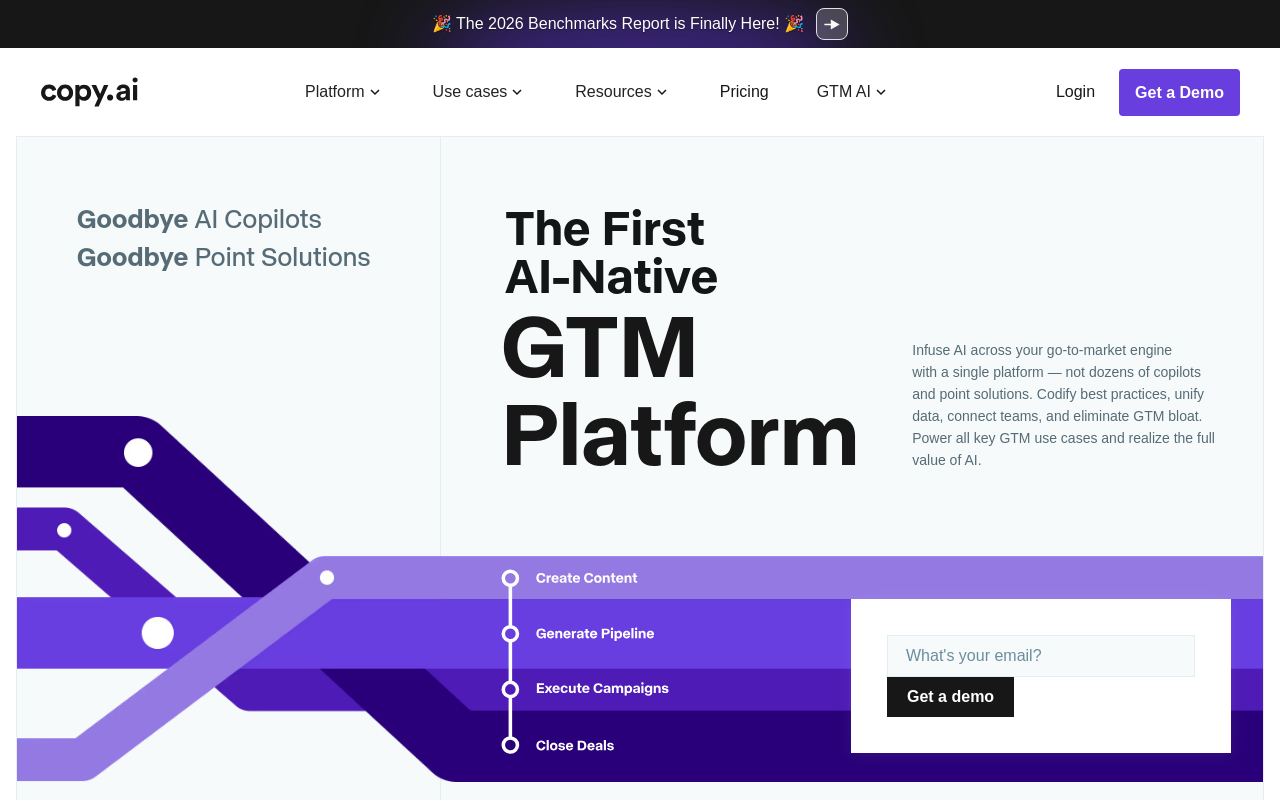
7. Copy.ai: General AI Copywriting With Brand Voice
Copy.ai is not a LinkedIn®-specific tool. It is a general AI copywriting platform that happens to have social media templates, including LinkedIn® posts.
How the AI works
Copy.ai's Brand Voice feature lets you upload writing samples, and the AI analyzes your tone, diction, and sentence structure to create a voice profile. You can create multiple brand voices for different audiences or authors, then select which voice to apply when generating content.
The LinkedIn®-specific output is decent but not specialized. Copy.ai does not understand LinkedIn®'s algorithm, post structures, or engagement patterns the way dedicated LinkedIn® tools do. The Brand Voice feature works well for maintaining consistency across channels, less so for crafting posts optimized for the LinkedIn® feed.
Pricing
Copy.ai repositioned itself as a "GTM AI Platform" and repriced since this list was first published: there's no free plan anymore, and no $49/month Starter tier. The entry tier is now Chat at $29/month ($24/month billed annually), with higher tiers (Growth, Expansion, Scale) starting at $1,000/month, aimed at go-to-market teams rather than solo LinkedIn® writers.
Sample output quality: Decent for general copy. Generic for LinkedIn®-specific content. The Brand Voice helps with tone but not with LinkedIn®-native structure.
8. Jasper: Enterprise AI Writing With Brand IQ
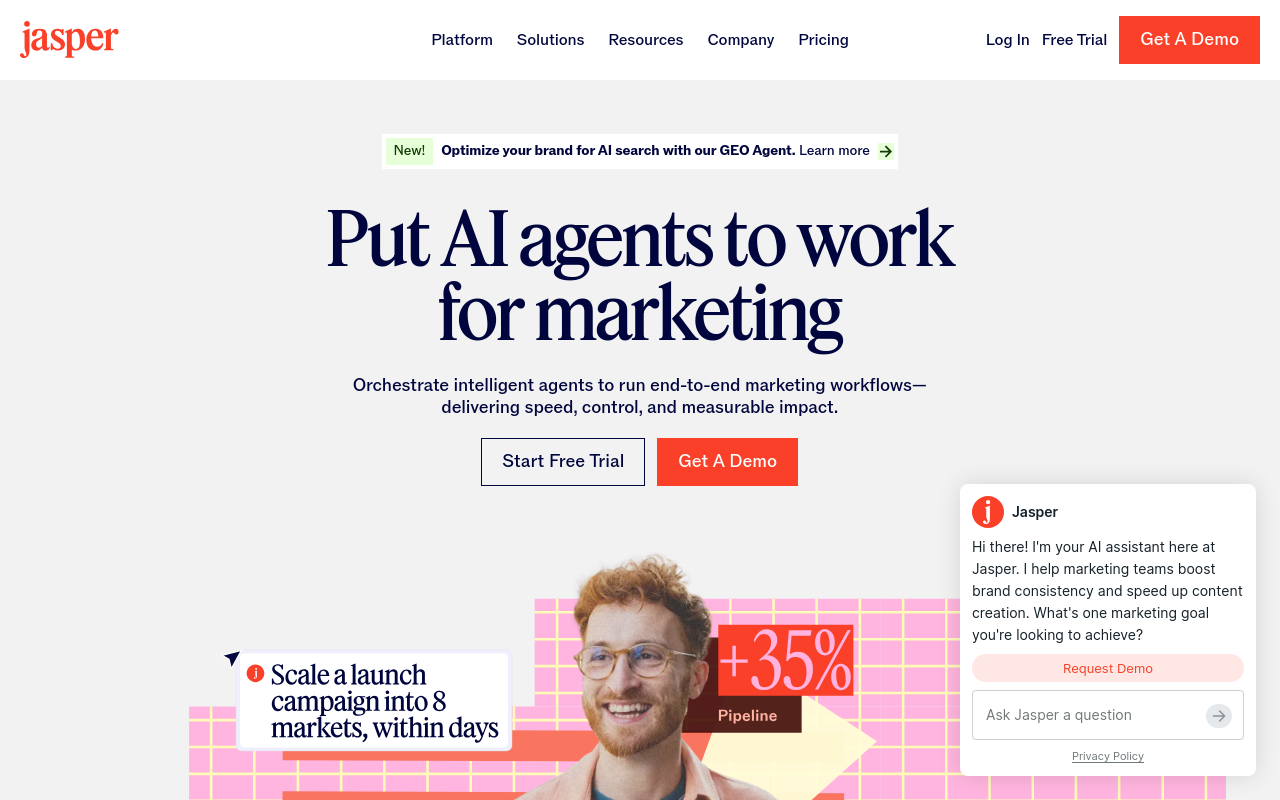
Jasper is built for marketing teams, not individual LinkedIn® creators. Its Brand IQ system covers three components: Brand Voice, Visual Guidelines, and Style Guide. (Jasper also has a separate "Memory" feature for product knowledge and audience details, part of a broader "Jasper IQ" layer distinct from Brand IQ.)
How the AI works
Upload up to 8 examples of your content, website copy, blog posts, or a brand style guide, and Jasper infers your brand voice. You can preview the difference between branded and unbranded output side by side. The AI flags brand violations and suggests on-brand replacements, which is useful for teams maintaining consistency across multiple writers.
For LinkedIn® posts specifically, Jasper offers templates but they are one small feature in a large platform. If you are only writing LinkedIn® content, Jasper is overkill.
Pricing
Jasper has retired its old Creator plan since this list was first published. Current pricing is Pro at $69/month ($59/month billed annually), plus a custom-priced Business plan for larger teams. 7-day free trial available on Pro.
Sample output quality: Decent for branded content. The voice matching is solid but the LinkedIn® output lacks the platform-specific optimization of dedicated tools.
9. AuthoredUp: Formatting First, AI Second
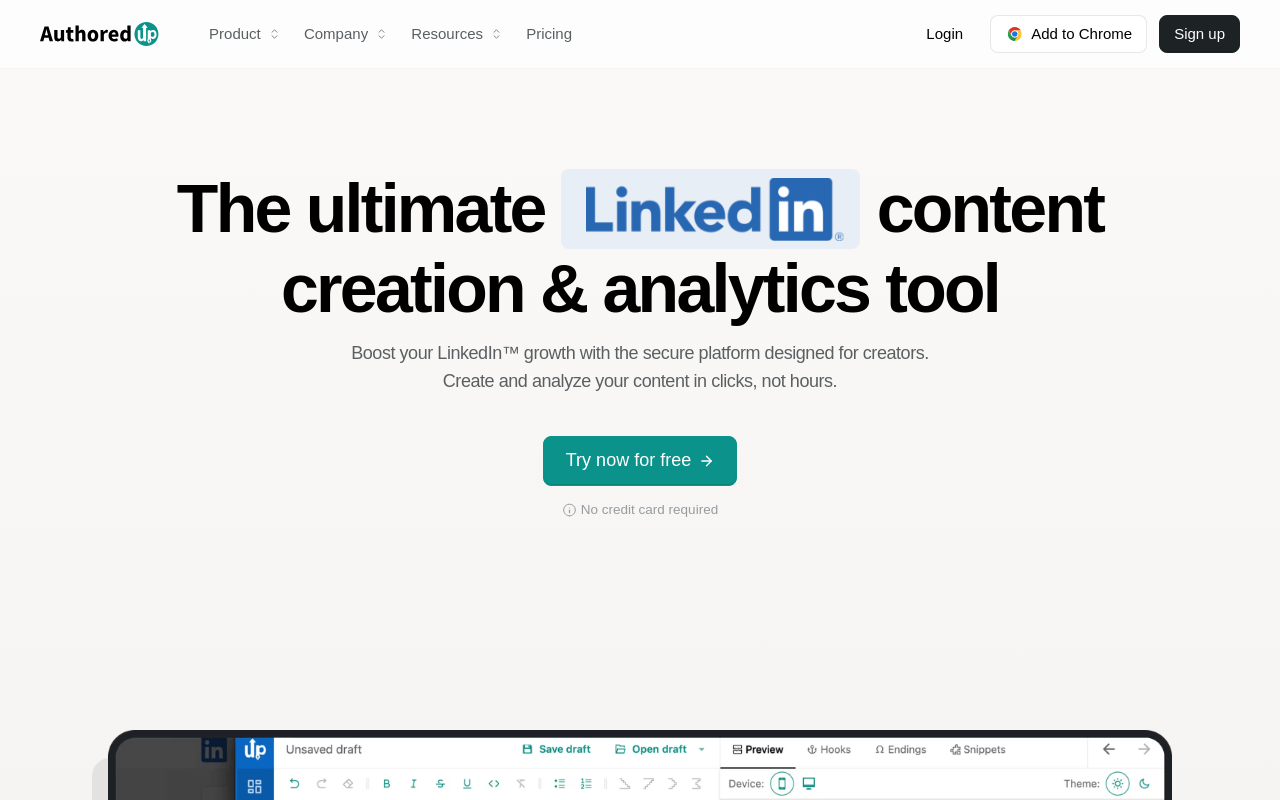
AuthoredUp is primarily a LinkedIn® post formatting and preview tool. The AI writing features are secondary and basic compared to the other tools on this list.
How the AI works
AuthoredUp's strength is its editor: text formatting, post previews, and a library of hooks and endings. The AI features include post idea suggestions and basic content optimization, but it does not generate full posts from scratch in a meaningful way. There is no voice learning, the tool relies on its template and hooks library instead.
If you already know what to write and need help formatting it for LinkedIn®, AuthoredUp works. If you need AI to generate posts that sound like you, look elsewhere.
Pricing
Starts at $19.95/month. Free text formatter tool available, but the full product requires a paid plan.
Sample output quality: Generic. The AI is a secondary feature, the real value is in formatting and organization tools.
10. Postdrips: Newer AI Post Tool on a Budget
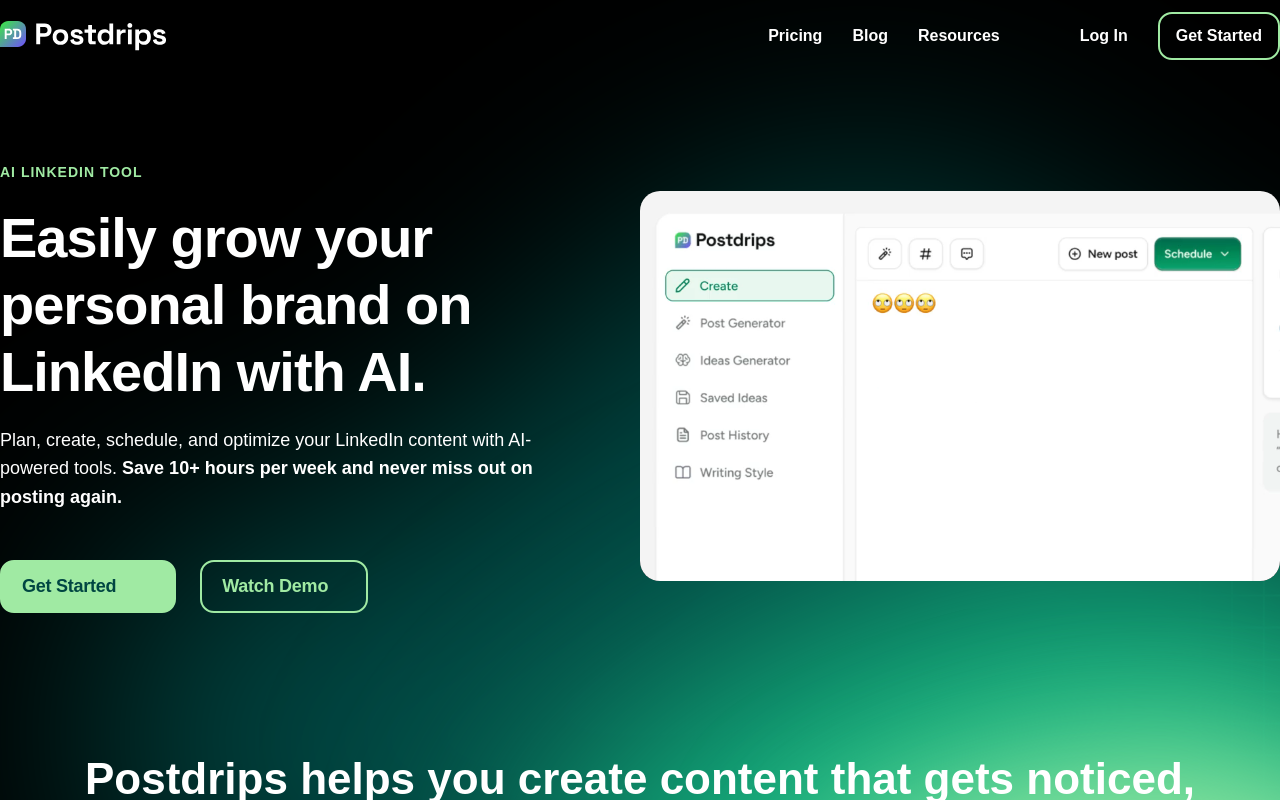
Postdrips is a newer entrant in the LinkedIn® AI space. It focuses on post drafting, styling, and scheduling with AI writing features included.
How the AI works
Postdrips offers AI-powered writing alongside post styling, previews, and saved snippets. The AI handles basic generation, expanding ideas, optimizing drafts, and suggesting endings. It has a "Tone of Voice" feature that clones the writing style of any LinkedIn® profile URL you paste in, but that's a one-time style match rather than a persistent model trained on your own writing history over time. The output follows standard LinkedIn® post patterns.
The tool is best suited for creators who want a budget-friendly option for getting first drafts done quickly, then editing by hand.
Pricing
Basic plan at $20/month for a single LinkedIn® account. A 7-day free trial rolls into the paid plan. Postdrips does not publicly list a higher tier or multi-account pricing.
Sample output quality: Generic. Functional for quick drafts, but the AI does not differentiate your posts from anyone else's.
Why Most AI LinkedIn® Posts Sound the Same
Open LinkedIn® and scroll for 30 seconds. You will spot AI-generated posts almost immediately. They follow the same pattern:
- A hook that starts with "Are you struggling with..." or "Let me tell you a story..."
- Corporate buzzwords sprinkled throughout ("leverage", "transform", "unlock")
- Bullet-point structures that feel like a PowerPoint slide
- A closing that says "Agree? Comment below!" or "Share this if you found it valuable"
- Perfectly grammatical sentences that no actual human writes in casual conversation
This happens because most AI post generators use the same underlying approach: take a topic, apply a LinkedIn® post template, and fill in the blanks with GPT-generated text. The template might vary (story format, listicle, hot take), but the voice is always the same, polished, safe, generic.
The problem is not AI itself. The problem is that most tools treat every user's voice as interchangeable.
Your LinkedIn® audience follows you for a reason. Maybe you write in short, punchy sentences. Maybe you use dry humor. Maybe you open with specific numbers instead of broad claims. Whatever makes your writing yours, a generic template cannot replicate it.
Voice-trained AI solves this by learning your specific patterns first, then generating content that fits those patterns. Instead of "write a LinkedIn® post about hiring," the AI understands that you always lead with a personal anecdote, keep paragraphs to two lines, avoid exclamation points, and close with a question. The output reads like you, not like LinkedIn® AI Post #47,000.
Related tools and comparisons
Go deeper on the tools and use cases from this roundup.
- Try the free LinkedIn® AI post writer or the hook generator
- Full comparisons: Reepl vs Taplio, Reepl vs ChatGPT, Reepl vs MagicPost, Reepl vs EasyGen, Reepl vs AuthoredUp, and Reepl vs Postdrips
- Want fewer generic-sounding posts? Read how to write LinkedIn® posts that sound like you, not AI
- Built for creators? See Reepl for LinkedIn® content creators
Write LinkedIn® Posts That Sound Like You
AI post writer with voice profiles that learn your tone, structure, and vocabulary, directly on LinkedIn®.