LinkedIn® rewards people who comment. Not the "Great post!" kind, the kind that starts conversations, gets profile clicks, and builds your reputation one interaction at a time.
The problem? Writing thoughtful comments on 10-15 posts per day takes 30-60 minutes. Multiply that across a week and you're spending half a workday on comments alone.
That's where LinkedIn® comment generators come in. We tested 9 of them to find out which ones write comments worth posting, and which ones produce generic filler that hurts more than it helps. Here's what we found.
Quick Comparison
Before diving into each tool, here's a side-by-side overview:
Tool | Best For | Starting Price | Free Plan | Chrome Extension |
|---|---|---|---|---|
All-in-one LinkedIn® growth | Free / paid | Yes (5 comments/day) | Yes | |
Sales prospecting | Free / $12.90/mo | Yes (unlimited, GPT-4o mini) | Yes | |
Power users + lead database | $39/mo | 7-day trial | Removed from store | |
Content creators | $19/mo | 7-day trial | Yes | |
Dedicated commenting | $99/mo | 7-day trial | Yes | |
Automated volume | $59/mo | 5-day trial | Removed from store | |
Simplicity | Free / paid | Yes (5/day) | Yes | |
Free alternative | Free | Yes | Yes | |
B2B sales warming | $29/seat/mo | 10-day trial | Web app |
1. Reepl: Full LinkedIn® Growth Platform with AI Comments
Reepl is a Chrome extension that injects an AI writing assistant directly into LinkedIn®. When you open a comment box, Reepl adds a "Write Comment" button that generates context-aware comments based on the post content. Crucially, Reepl drafts the comment for you to review and send. It never publishes comments automatically for you, so you get the speed of AI with a human in the loop.
What sets it apart from most tools on this list: you control exactly how the comment sounds. Pick a response type (engaging, grateful, insightful, or your own custom intents), set the word limit (minimal, concise, or detailed), choose a tone, and optionally add a custom prompt to steer the output.
Key Features
- Custom prompt library: Build your own commenting prompts instead of being locked into templates. Add custom response types with specific instructions for each.
- Voice profiles: Train the AI on your writing style so comments match your natural voice, not generic AI speak.
- 10+ language support: Generate comments in English, Spanish, French, German, Portuguese, Japanese, Russian, and Chinese.
- Smart messaging assistant: The same AI extends to LinkedIn® DMs with intent-based quick responses for sales, networking, recruiting, and more.
- Post generation: Repurpose articles, PDFs, and YouTube videos into LinkedIn® posts from the same extension.
- Scheduling + analytics: Queue posts via the web app at app.reepl.io with a calendar view and engagement tracking.
- 20+ free tools: Carousel maker, post formatter, headline analyzer, and more at reepl.io.
Pricing
Free plan includes 5 AI comments and 5 AI messages per day. Paid plans (Pro starts at $19/mo) unlock higher limits, advanced AI models, and multi-account support. See current pricing on the Reepl pricing page.
What We Like
- Works directly on LinkedIn®, no switching between tabs or apps
- The custom prompt system is genuinely flexible. You're not stuck with 3 preset tones
- Voice profiles make a noticeable difference in output quality over time
- Covers comments, messages, posts, and scheduling in one extension
- Human-in-the-loop by design: Reepl drafts, you review and send. Nothing is published automatically, so there is no automation risk to your account
What Could Be Better
- The free plan's 5 comments/day limit means power users will hit the cap quickly
- No hands-off automation: every comment is reviewed and sent by you, by design, which is the safe approach but not for anyone who wants a fully hands-off tool
2. Engage AI: Best Free Plan for Sales Teams
Engage AI has been around longer than most tools on this list, and their free plan is hard to beat: unlimited AI comments using GPT-4o mini with no credit card required.
The standout feature is prospect monitoring. Add up to 10 LinkedIn® profiles (free plan) or up to 1,000 (Elite plan), and Engage AI alerts you when they post. This turns commenting from a random scroll activity into a targeted engagement strategy.
Key Features
- Unlimited AI comments on the free plan (GPT-4o mini model)
- Prospect monitoring with daily or real-time alerts
- 3 custom tones on the free plan, with more on paid tiers
- Tailored connection request generation
Pricing
Free forever plan with unlimited comments (GPT-4o mini, 3 custom tones, 10 monitored prospects, no credit card required). Starter at $12.90/mo adds 30 monitored prospects with daily and real-time alerts. Pro at $30/mo raises that to 150 prospects. Elite at $80/mo covers 1,000 prospects.
What We Like
- The free plan is genuinely useful, not a stripped-down teaser
- Prospect monitoring turns random commenting into a sales strategy
- Low entry price for paid plans compared to competitors
What Could Be Better
- Comment quality on the free tier (GPT-4o mini) is noticeably weaker than paid models
- The best AI models and higher prospect limits require paid tiers
3. Taplio: Best for Power Users Who Need a Lead Database
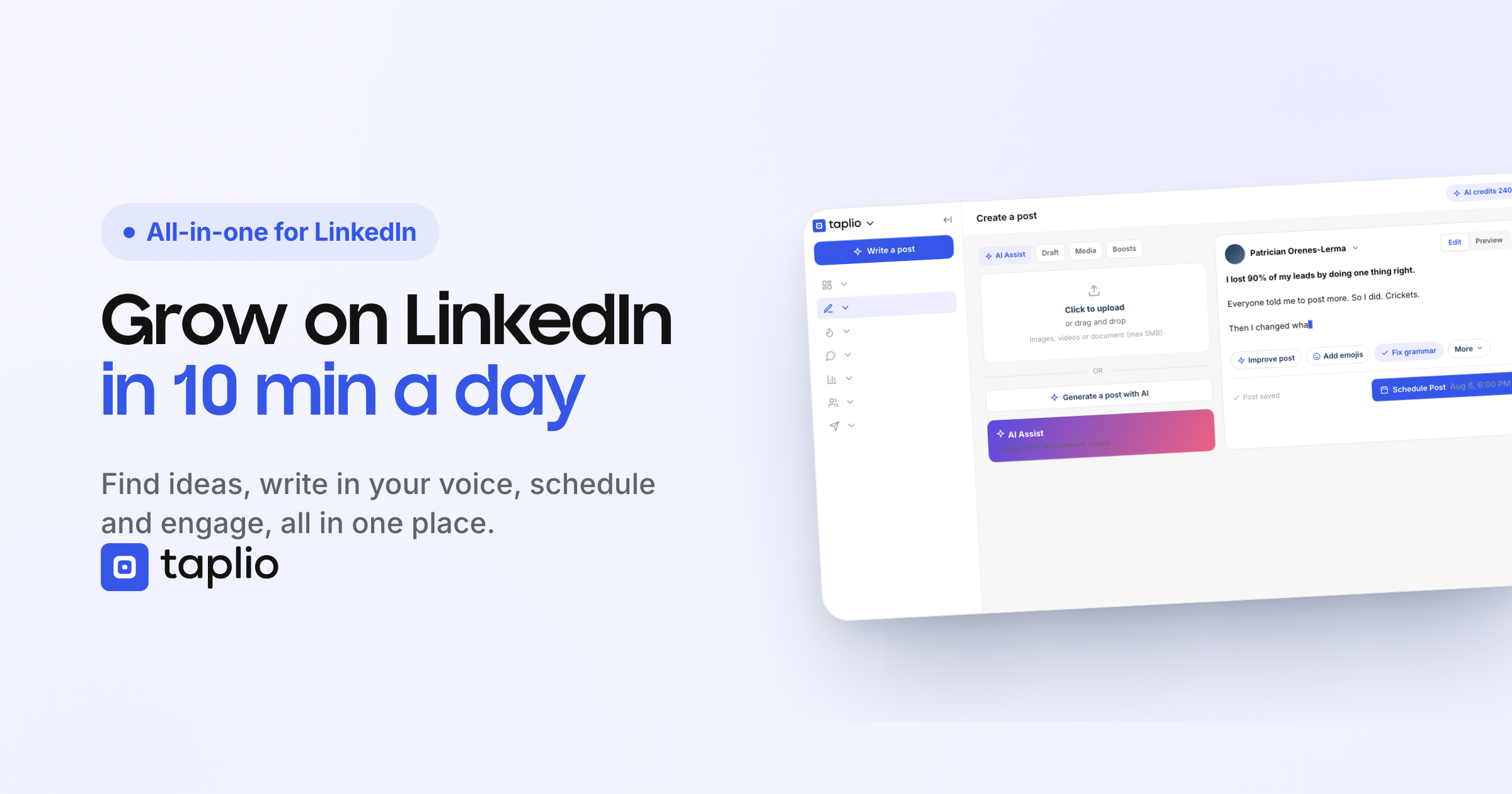
Taplio is one of the most well-known LinkedIn® tools, and for good reason. It combines content creation, scheduling, analytics, and a large lead database into one platform.
For commenting specifically, Taplio offers an "Engage" feature that surfaces posts from your target audience so you can comment without scrolling your feed. Taplio X, its Chrome extension, was removed from the Chrome Web Store in 2026 and is no longer available to install there. The core product remains a web app.
Key Features
- AI trained on a large library of LinkedIn® posts
- Engage feature to find and comment on relevant posts
- Large LinkedIn® contact database for prospecting
- Post scheduling with detailed analytics
- Carousel creation
- Web-based platform (the Taplio X Chrome extension was removed from the Chrome Web Store in 2026)
Pricing
Plans start at $39/mo, with a 7-day free trial that unlocks full Pro access. AI writing and reply features sit on the higher tiers, and annual billing lowers the monthly rate. See taplio.com/pricing for the current per-tier breakdown.
What We Like
- The contact database is a powerful differentiator for outbound sales
- Analytics go deeper than LinkedIn®'s native insights
- Deep analytics and a large content library are useful for research and inspiration
What Could Be Better
- Expensive relative to dedicated commenting tools, and AI features require a higher tier than the $39 entry plan
- Comment credits burn fast, a credit-per-comment model feels restrictive
- The AI is less tailored to your individual voice than tools built around voice profiles, so output often needs editing
4. Supergrow: Best for Content Creators
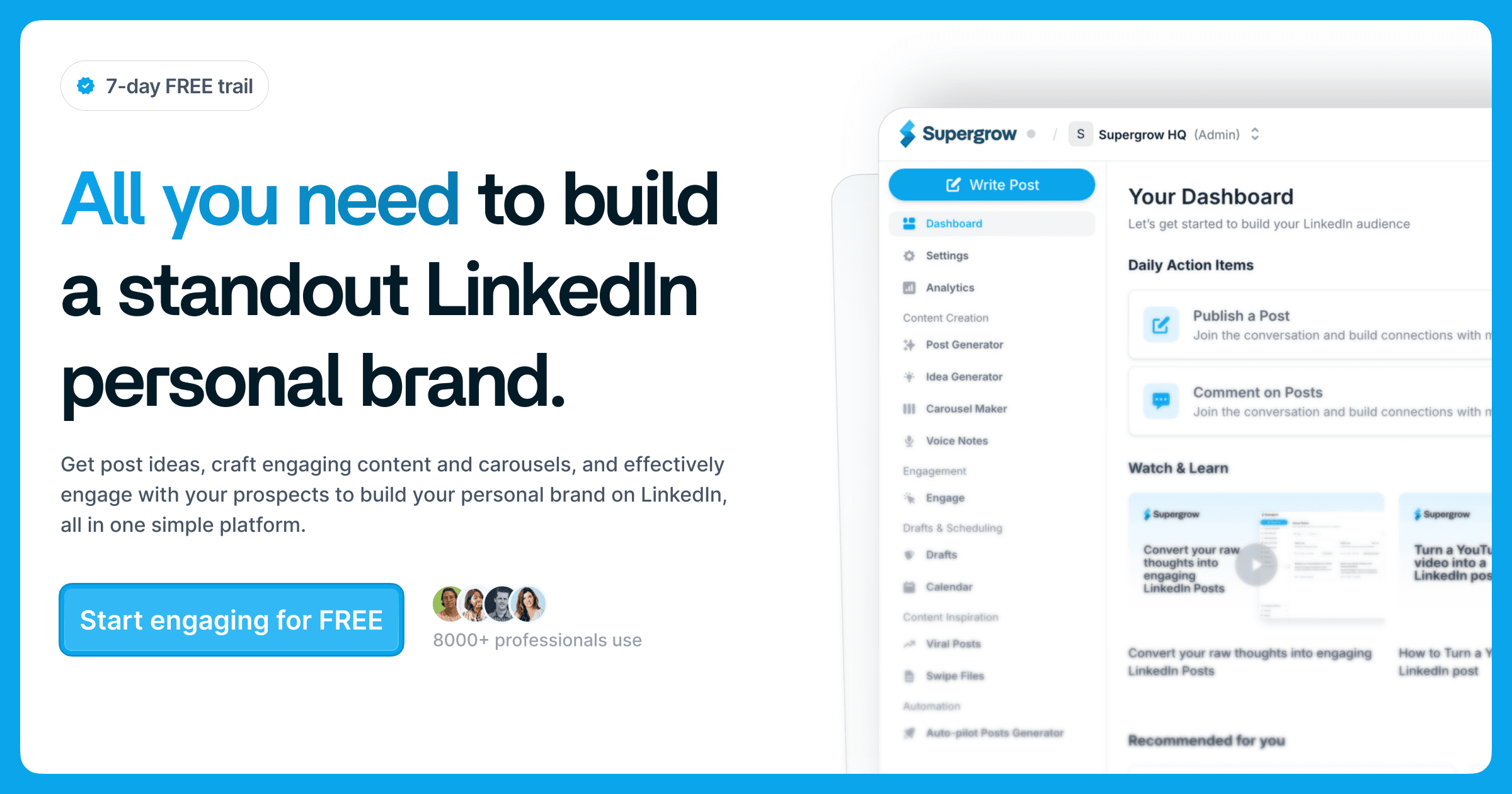
Supergrow positions itself as an all-in-one LinkedIn® growth tool with a strong content creation focus. The AI commenting feature generates context-aware comments, but the real value is the broader platform: voice-matched post generation, carousel creation, and a content calendar.
A unique feature is Engage Lists: build curated lists of creators and prospects, then comment on their posts directly from the Supergrow dashboard without opening LinkedIn®.
Key Features
- AI comment generation with voice learning
- Engage Lists for targeted commenting
- Content calendar with Kanban board
- First-comment scheduler (queues a follow-up comment on your own posts)
- Carousel maker and post templates
- Voice-to-post conversion
Pricing
Starter at $19/mo ($16/mo billed annually). Pro at $39/mo ($31/mo annually). Teams at $139/mo, including 4 accounts. Enterprise is custom-priced. 7-day free trial, no permanent free plan.
What We Like
- Voice learning makes AI output improve the more you use it
- First-comment scheduling is a clever feature most tools miss
- Competitive team/agency pricing
What Could Be Better
- No free plan, only a 7-day trial
- Adding engagement contacts manually is tedious
- Analytics are lighter than dedicated analytics tools
5. Commenter.ai: Best Dedicated Commenting Tool
Commenter.ai is a dedicated LinkedIn® commenting and engagement tool. Rather than bundling commenting into a broad content suite, it focuses on surfacing the right posts to engage with and drafting contextual comments and replies.
It has moved noticeably upmarket in 2026: the entry plan is now $99/mo, so it is aimed at sales teams and heavy engagers rather than budget users.
Key Features
- AI-drafted comments and replies tuned to the post you're engaging with
- Signal-based discovery to surface relevant posts and people to engage
- Keyword and prospect tracking
- Multi-language support
Pricing
Signals at $99/mo, Workflow at $149/mo, and Teams at $350/mo. 7-day free trial, no credit card required, and no permanent free plan.
What We Like
- Narrow focus on commenting and engagement, not a sprawling suite
- Signal-based discovery surfaces relevant conversations to join
- Built for teams that treat commenting as a pipeline activity
What Could Be Better
- Now one of the pricier options: the entry plan is $99/mo
- No permanent free plan, only a 7-day trial
- Focused on commenting and engagement, so no post scheduling or content creation
6. PowerIn: Best for Automated High-Volume Commenting
PowerIn takes a different approach from every other tool here: full automation. Set your target keywords and creators, and PowerIn comments on their posts automatically during business hours. No manual review required.
This is the highest-volume option on the list, with up to 6,000 comments per month on the Scale plan. PowerIn says it caps daily activity to stay within LinkedIn®'s rate limits and states that no accounts have been banned across 6,000+ users in over two years. Even so, fully automated engagement runs against LinkedIn®'s user agreement, which prohibits automated tools, so it carries more inherent account risk than human-sent commenting. PowerIn's own Chrome extension was removed from the Chrome Web Store in 2025, which is a concrete signal of how the platforms treat automated engagement.
Key Features
- Fully automated commenting (no manual posting)
- Up to 6,000 comments per month on the Scale plan
- Keyword and creator targeting
- Language detection (comments in the post's language)
- Timezone-aware posting during local business hours
- Company page commenting
- Automatic filtering of political and sensitive content
Pricing
Growth at $59/mo (900 comments/month). Advanced at $99/mo (3,000 comments/month, the plan PowerIn recommends). Scale at $149/mo (6,000 comments/month). 5-day free trial, no credit card, no permanent free plan.
What We Like
- True hands-off automation saves significant time
- Language detection is smart, matches the post's language automatically
- Safety filters avoid engaging with sensitive content
What Could Be Better
- Fully automated engagement carries more LinkedIn® account risk than tools that keep a human in the loop
- Comment quality can get repetitive at high volume
- No permanent free plan, and no scheduling or content-creation features
- Its Chrome extension was removed from the Chrome Web Store in 2025
7. Tappy: Best for Simplicity
Tappy strips LinkedIn® comment generation down to one action: tap a button, get a comment. No configuration menus, no engagement lists, no dashboards. Open a LinkedIn® post, click the Tappy button, and paste the generated comment.
The AI trains on your recent LinkedIn® comments to match your writing style, which is a nice touch for a lightweight tool.
Key Features
- One-tap comment generation
- Three voice templates
- Custom AI model trained on your recent comments
Pricing
Free plan with 5 comments/day. Paid plans raise the daily limit for heavier users; check tappy.ai for current tiers.
What We Like
- The simplest tool on this list, zero learning curve
- AI training on your actual comments is a smart personalization approach
What Could Be Better
- No web dashboard, analytics, or content creation features
- Free plan is very limited (5 comments/day)
8. FlyEngage AI: Best Free Alternative
FlyEngage AI by Vengreso is a fully free LinkedIn® comment generator. No credit limits, no trial periods. It's part of the broader FlyMSG ecosystem but works as a standalone Chrome extension for comment generation.
The tool uses persona integration to match your industry jargon, tone, and vocabulary. It generates suggestions that you then manually post, no automation risk.

Key Features
- 100% free comment generation
- Persona-based customization (industry, tone, vocabulary)
- Hashtag removal toggle
- Human-assisted AI (generates suggestions, you post manually)
Pricing
Free. The broader FlyMSG platform by Vengreso has paid plans for its wider feature set, but the LinkedIn® comment generator itself is free to use.
What We Like
- Actually free, not a limited trial masquerading as a free plan
- No automation risk since you control every comment
- Persona matching adds a layer of personalization most free tools lack
What Could Be Better
- Part of a larger ecosystem that can feel cluttered
- Less polished UI compared to paid alternatives
- Limited customization options compared to tools like Reepl or Commenter.ai
9. Extrovert: Best for B2B Sales Pipeline Warming
Extrovert isn't a traditional comment generator. It's a prospect warming tool that uses AI comments as a strategy to build familiarity before cold outreach.
Build prospect lists, and Extrovert generates personalized comments on their posts with context from their company and recent activity. The goal: when you eventually send a connection request or DM, they already recognize your name.
Key Features
- Campaign-based engagement (prospect lists per campaign)
- Context insights about each prospect's company and role
- Writing style learning
- Topic monitoring
- AI-drafted comments across the prospects you track
Pricing
Light at $29 per seat/mo (250 prospects). Business at $49 per seat/mo (500 prospects). Pro at $75 per seat/mo (1,000 prospects). A seat covers one LinkedIn® profile, and annual billing takes 25% off. 10-day free trial, no credit card, no free plan.
What We Like
- The "warm before you reach out" strategy is proven, Extrovert claims a 40% reply rate vs. 5-10% industry average
- No per-comment credit counting; you work from prospect lists
- Company context makes comments more relevant than generic AI output
What Could Be Better
- Web app only, no Chrome extension for commenting directly on LinkedIn®
- Purely sales-focused. Not useful for personal branding or general engagement
- The cheaper plan is limited in prospect capacity
How to Pick the Right LinkedIn® Comment Generator
The "best" tool depends on what you're trying to accomplish:
- Growing a personal brand? You need tone control and voice matching. Look at Reepl, Supergrow, or Commenter.ai.
- Running outbound sales? Prospect monitoring and warm-up matter most. Engage AI, Extrovert, or Taplio (for the lead database).
- Want an all-in-one tool? Comments, posts, scheduling, and analytics in one place. Reepl, Taplio, or Supergrow.
- On a tight budget? Start with FlyEngage AI (free) or Engage AI's free plan, then upgrade when you see results.
- Need maximum volume? PowerIn automates at scale, but weigh the LinkedIn® compliance risk.
A Warning About Automated Comments
Tools like PowerIn that post comments automatically save time, but they carry real risk. LinkedIn® actively detects and restricts automated engagement. Account suspensions, reduced reach, and permanent bans are all possible consequences.
Most tools on this list use a safer approach: the AI drafts the comment, but you review and post it yourself. This is exactly how Reepl works. It drafts comments in your voice, and you review and send every one, so you get the speed of AI without the account risk of automation. The risk is not hypothetical: fully automated tools like PowerIn have even had their Chrome extensions removed from the Chrome Web Store. If you're investing time in LinkedIn® growth, losing your account, or your tool, to automation isn't worth the time saved.
Related comparisons
Full head-to-head breakdowns for the tools mentioned above.
- Reepl vs Taplio, Reepl vs Engage AI, and Reepl vs PowerIn
- Want the writing fundamentals first? Read how to write meaningful LinkedIn® comments
- Selling on LinkedIn®? See Reepl for sales reps
Write Better LinkedIn® Comments in Seconds
AI-powered comments, posts, scheduling, and 20+ free tools, all in one Chrome extension.