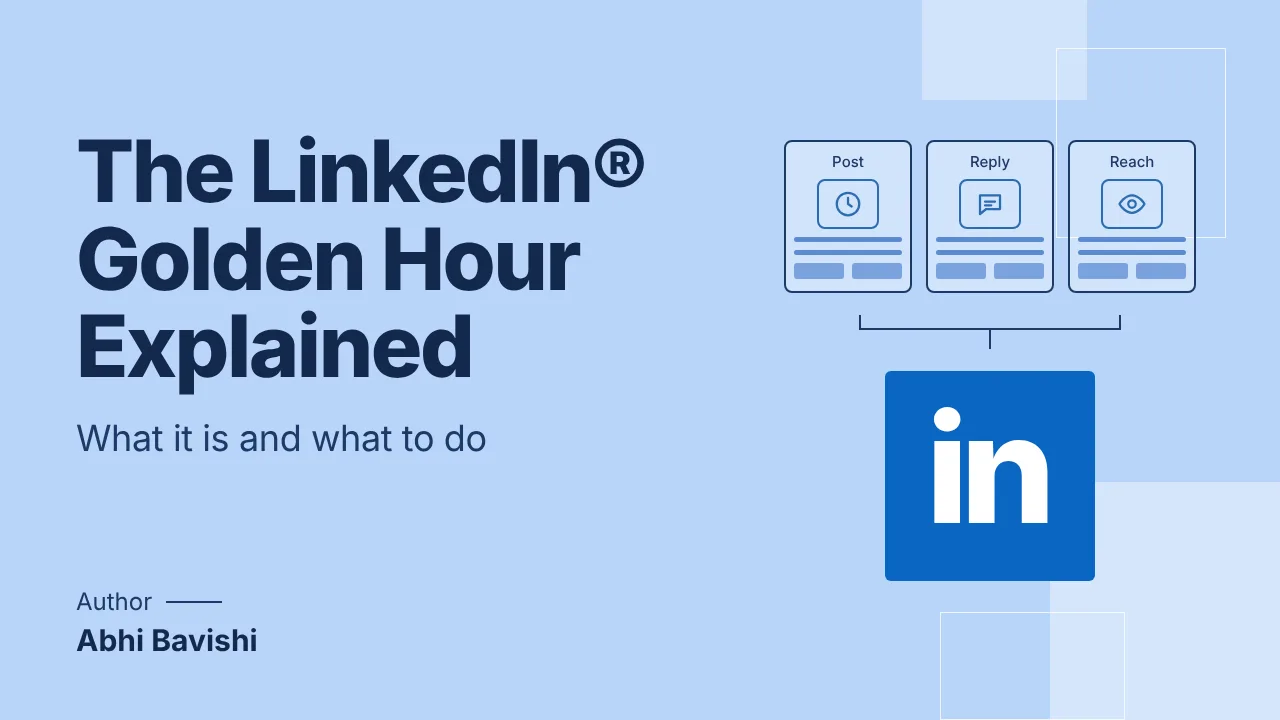
The LinkedIn® golden hour is the short window right after you publish, roughly the first 60 to 90 minutes by practitioner convention, when the algorithm tests your post with a small slice of your audience and uses their reaction to decide how far to push it. LinkedIn® has not published an exact number for that window, so treat it as directional. What is confirmed is the mechanism: strong early engagement, especially comments and reposts, correlates with meaningfully more total reach.
This guide breaks down how that early testing phase actually works, what kind of engagement moves the needle, seven ways to use the window instead of wasting it, how it differs from "best time to post" advice, and the myths worth ignoring.
What the LinkedIn® golden hour is
When you publish a post, LinkedIn® does not show it to your full audience at once. It shows it to a sample first, watches how that sample reacts, and uses that reaction to decide whether to widen distribution. The "golden hour" is the informal name creators and marketers have given to that early testing period, since it is where a post's fate is largely decided.
It matters more now than it used to. Average reach on LinkedIn® dropped 34% in 2025 (AuthoredUp, Algorithm Insights 2024), which means the algorithm is pickier about which posts it amplifies. A weak first hour has a bigger cost than it did a year ago.
How LinkedIn®'s algorithm actually uses early engagement
Hootsuite's breakdown of the LinkedIn® algorithm describes a three-step process: quality filtering, engagement testing, then network and relevance ranking (Hootsuite, LinkedIn Algorithm). The golden hour sits in the middle step.
Step 1: Quality filtering
Before a human ever sees your post, LinkedIn®'s systems check it against basic quality signals: is it spam, does it violate content policy, is it obviously low-effort. Posts that pass move on to distribution.
Step 2: Engagement testing (the golden hour itself)
LinkedIn® shows the post to a small sample of your network first, often people who engage with you often, and measures what happens: comments, reposts, dwell time, click-throughs. This is the window that decides whether the post earns a second look.
Step 3: Network and relevance ranking
If the sample responds well, LinkedIn® widens distribution to second- and third-degree connections and to people it judges likely to find the topic relevant. If the sample response is weak, the post's reach flattens out and rarely recovers.
What counts as engagement that actually moves the needle
Not all engagement is equal, and the gap has widened. AuthoredUp's analysis found that saves and instant reposts are now among the strongest drivers of reach, ahead of the signals creators used to optimize for (AuthoredUp, Algorithm Insights 2024).
Comments carry the most weight
A handful of substantive comments, meaning more than "Great post!", in the first hour is one of the strongest positive signals you can generate. LinkedIn® has said publicly that it weights meaningful interactions above likes.
Likes are a weak signal
Likes are the easiest form of engagement to give and the least useful for amplification. Do not chase them, and do not read a like-heavy, comment-light post as a win.
Saves and reposts (especially with commentary)
A plain repost is a mild positive. A repost with the person's own commentary added is a strong one, since it puts your content in front of an audience that trusts the person doing the resharing. Content people bookmark to revisit later (a save) reads as genuinely useful, which is part of why save and repost now rank among the top reach drivers.
Dwell time and scroll-past
How long someone pauses on your post before scrolling past is itself a signal, independent of whether they interact. A hook that earns a pause but no comment still helps a little; a post nobody stops for gets read as low quality regardless of the topic.
7 ways to make the most of your golden hour
- Post when your specific audience is active, not a generic "best time." Aggregate best-time data (Hootsuite points to Tuesday and Wednesday around 8 to 9 AM) is a reasonable starting point, but your followers may not match the aggregate. Reepl's free Post Time Finder estimates your own best window instead of guessing from someone else's dataset.
- Score the draft before you publish, not after. A post that would have earned a weak golden hour is easier to fix before it goes live than after reach has already flattened. Reepl's free Post Analyzer scores a draft's engagement potential so you can tighten the hook or structure first.
- Queue a first comment to land the moment the post goes live. A first comment with added context, a question, or a relevant link keeps the discussion going without putting a link in the post body, which independently hurts reach. Reepl can queue a first comment to publish right after your post does.
- Give commenters something specific to respond to. A generic "Thoughts?" rarely produces a real comment. A specific claim, number, or question in the post itself gives the first wave of readers an actual reason to type more than a reaction.
- Reply to every comment in the first hour. Replying keeps the thread active, which extends the window LinkedIn® is watching, and it rewards the people whose comments are already helping your reach.
- Leave the post alone once it is live. Whether an edit resets the engagement test is not something LinkedIn® has confirmed either way, but the downside (losing amplification to fix a typo) outweighs the upside. Proofread before you hit publish, not after.
- Give each post room to breathe. Publishing a second post while the first is still building momentum splits your own network's attention between two posts competing for the same audience. Space major posts out.
Golden hour vs "best time to post": they are not the same thing
"Best time to post" is about when your audience is most likely to be scrolling, so more of them see the post at all. The golden hour is about what happens in the minutes after that: whether the people who do see it engage enough for LinkedIn® to keep showing it to more people. You can nail the best time and still waste the golden hour with a weak hook or a post that gives readers nothing to comment on, and you can post at an average time and still win the golden hour with a post built to earn real replies.
In practice, they compound. Posting when your specific audience is active increases the odds that the sample LinkedIn® tests your post against actually cares about the topic, which increases the odds that early engagement is strong enough to earn wider distribution.
Common golden hour myths
- "Likes count the same as comments." They do not. Comments and meaningful interactions are weighted well above likes.
- "Posting more often improves your golden hour odds." Publishing multiple posts close together usually means they compete with each other for the same early audience rather than each getting a clean test.
- "A small audience cannot win the golden hour." A small, engaged audience that reliably leaves real comments in the first hour often outperforms a large, passive one. Reach is about response rate, not follower count.
- "There is an official, published 60 to 90 minute window." That figure is a practitioner convention built from observed behavior, not a number LinkedIn® has confirmed. Treat the window as directional and focus on the mechanism (early engagement drives amplification) rather than the exact minute count.
Use the golden hour without gaming it
The tactics above are about writing posts worth responding to and giving LinkedIn® a clean signal, not about manufacturing fake engagement. Coordinated "engagement pods" that trade likes and comments do not grow reach, they quietly shrink it, since the algorithm can tell the difference between a real response and a favor. Reepl is built around the same principle: it drafts posts, comments, and first-comment follow-ups in your voice, and scores drafts before you publish, but you review and click send on everything yourself. Nothing is auto-posted or auto-commented, so the engagement your golden hour earns is real. See how this compares to Reepl vs AuthoredUp and Reepl vs Hootsuite, the two tools cited in the algorithm data above.
Want a scored draft and a personalized best-time estimate before you publish? Reepl's Pro plan is $19/mo and pairs voice-matched drafting with the same analysis the free tools above use. See pricing.
Find your golden hour, then use it well
Reepl estimates your personal best posting window and scores your draft before you publish, so your golden hour isn't a guess.
![Un calendrier de contenu LinkedIn® pour les fondateurs occupés [Modèle gratuit]](/blog-images/linkedin-content-calendar-for-founders/cover-v2.webp)