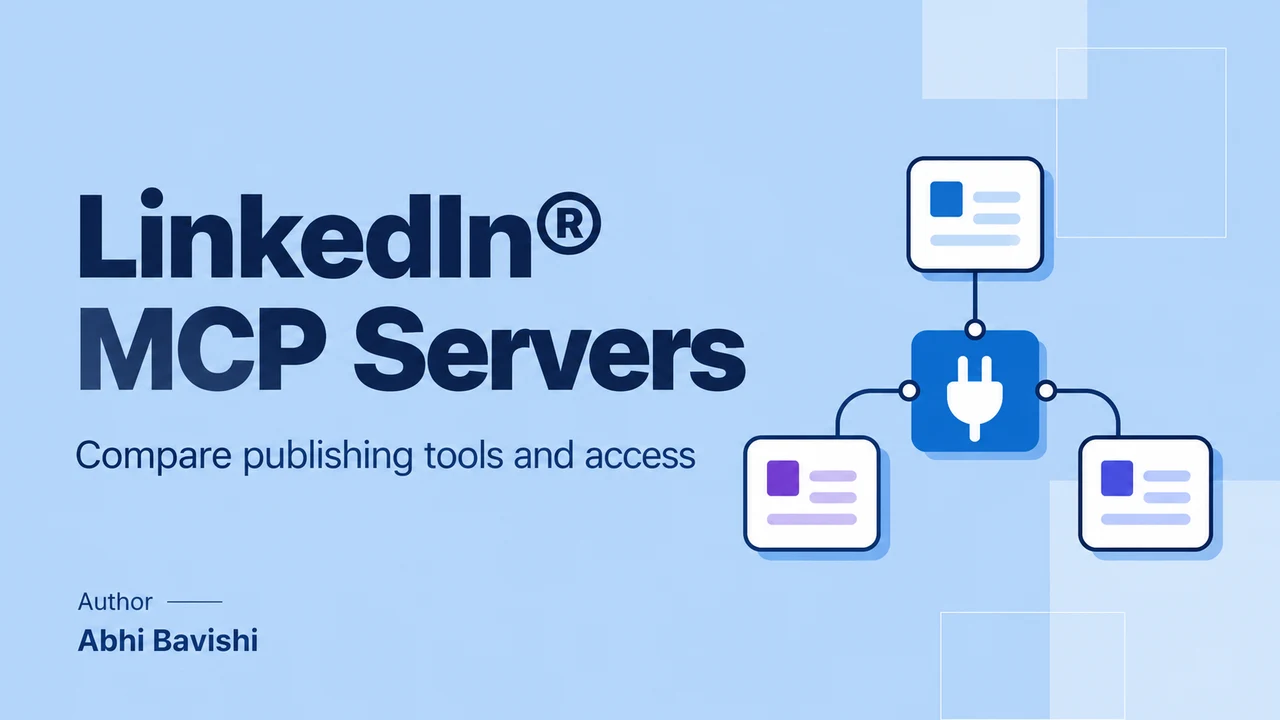
The best MCP for LinkedIn® publishing depends on your workflow. Reepl connects voice context, drafts and scheduling; Composio exposes individual API actions; Zapier connects publishing with other apps. A browser-based research server serves a different purpose. Choose by supported actions, account permissions and review controls, rather than the server’s name.
Key takeaways
- Compare publishing support separately from profile, company and job research.
- Verify the destination: a personal profile, Company Page and teammate’s channel can have different access requirements.
- API authentication and browser-session access are different connection methods.
- Ask for a draft first, then explicitly approve the destination and scheduled time.
What makes a publishing MCP different from a research server?
You ask an assistant to turn a product update into a post. It writes a plausible draft, but the next step remains unclear: can it save the draft, choose the right account, schedule it, or only return text to copy elsewhere?
That distinction matters more than a large MCP tool count. A server that reads profiles can be useful for research without being able to publish your post. A server that publishes can still lack the draft management or calendar behavior your team needs.
This comparison reviews documented capabilities checked in October 2026. It does not report hands-on posting tests, account-safety guarantees or performance rankings. Reepl is included alongside other approaches because the right choice depends on the work, not a universal winner.
A publishing workflow changes something you own or manage: a draft, calendar entry or public post. Research retrieves information to inform a decision. Both can appear in an assistant conversation, but they require different tools and should have distinct stopping points.
For example, “find relevant companies” is a research task. “Save my announcement as a draft” writes to an editorial workspace. “Publish this announcement from our Company Page” is a public action. One successful task does not imply permission or support for the others.
The distinction is visible in public project discussions. A request in the community browser server’s repository describes people asking for publishing capabilities that the server does not provide. An open request is evidence of a need, not a shipped feature.
Start your evaluation by naming the final object you need. If that object is a reviewed calendar entry, inspect scheduling and draft support. If it is a research summary with source links, inspect data access and retrieval limits instead.

Which options fit publishing, API work and connected workflows?
The following table compares task fit rather than assigning scores. Where the inspected documentation does not establish a capability, that uncertainty should remain visible. “Not established” is different from claiming a competitor cannot possibly provide it through another feature.
| Option | Documented strength | Authentication approach | What to verify |
|---|---|---|---|
| Reepl | Voice context, drafts, calendar operations and connected-channel publishing | OAuth connection to Reepl and connected social accounts | Intended workspace, channel, plan and whether the result requires approval |
| Composio | Specific actions such as creating posts, sharing URLs, uploading media and retrieving selected data | OAuth2; managed OAuth is documented for this toolkit | Required platform scopes and whether the action is available to your account |
| Zapier MCP | Calling publishing actions alongside operations in other connected apps | Managed app connections with action controls | Exact supported destination, selected action and shared task usage |
| Community browser research server | Profiles, companies, jobs and other browser-accessible research | A signed-in browser session | Different access method; do not assume publishing support or platform ownership |
When is Reepl the useful fit?
Reepl is an AI writing platform that puts your social media on autopilot in your own voice: it finds what to post about, drafts your posts, and keeps your calendar full, with you choosing what it does without asking.
The MCP connection exposes specific actions within that broader product. Recurring Andy routines are separate and currently support personal LinkedIn® accounts only.
Reepl fits a workflow that starts with your facts and writing preferences and ends in a draft or calendar entry. Its current MCP tools include voice context, draft creation and editing, scheduling, and reading scheduled or published posts.
The assistant can identify available channels rather than guessing from a brand name in a prompt. Those channels can include personal profiles, Company Pages and teammate accounts. Workspace roles and approval behavior still matter, so a channel’s presence is not unrestricted publishing permission.
This is especially useful when you want the editorial work to remain visible after the conversation ends. A saved draft can be reviewed in the application, and a scheduled post can be checked in the calendar instead of existing only as a promise in chat.
Consult Reepl’s current pricing for the applicable plan. This article does not attach an unverified dollar amount or promise every action on every plan. It also does not present MCP access as a guarantee that a social platform will accept a post.
When is Composio the useful fit?
The Composio toolkit documentation lists actions for creating a post, sharing an article or URL, creating a video post and handling media uploads. It also lists selected read operations, including your own information and company-related data.
This approach fits a developer who wants to assemble a workflow from specific API actions. You may already have the source material, review interface and scheduling system elsewhere, and need an authenticated action rather than a new editorial application.
Managed OAuth is documented for this toolkit, but the same page raises questions about scope combinations and rate limits. Treat those as part of the evaluation. A successful connection does not establish that every listed endpoint is available under every account’s permissions.
Composio’s MCP configuration guide describes limiting allowed tools. That can help separate a drafting or research connection from a publishing connection. Verify the resulting tool exposure instead of assuming the assistant will voluntarily avoid every available write action.
When is Zapier MCP the useful fit?
Zapier’s integration page explicitly connects Create Company Update and Create Share Update actions to MCP. It is a useful candidate when approved content originates in another connected app and publishing is one step in a larger workflow.
An illustrative example is an editor approving a product announcement in a content system before an assistant sends it to the selected publishing action. The value is the connection between services, provided the required action and destination are supported.
Verify the destination carefully. The inspected product FAQ emphasizes Company Page posting. Do not infer identical personal-profile support from a generic “share update” label without checking the actual action available in your account.
Zapier’s MCP page states that MCP is included in its plans and each tool call consumes two tasks from the existing task quota. That gives you a cost basis, but the practical total still depends on the number of calls and your plan allowance.
Why should you distinguish OAuth from browser access?
Some community servers use an authenticated browser session to read pages or perform browser actions. Others call documented platform APIs through OAuth permissions. Those methods can expose different information, require different setup and fail in different ways.
The current README for the community browser server describes reusing a signed-in browser session or opening a login window. It should therefore be labeled as browser-session software, not as an official platform-operated MCP or an OAuth publishing API.
The repository showed recent activity when checked. Maintenance activity can help you assess whether a project is being worked on, but it cannot establish that every action is reliable, permitted for your use case or equivalent to an API integration.
For the publishing workflow in this article, prefer evaluating the documented publishing action and its authorization requirements directly. Do not install a broad browser research connection merely because its name resembles the platform you want to post to.
Also separate vendor claims from platform approval. A third party can support a platform without being owned, endorsed or approved by that platform. This article makes no partnership claim for any option based solely on its MCP availability.
How would a reviewed publishing workflow work?
Imagine a consultant writing about a lesson from a recent project. The source note contains the situation, a decision and an outcome the client has allowed them to discuss. The goal is one useful post, not a fabricated case study.
Begin by selecting the workspace and destination. “Our account” may mean a personal profile, a Company Page or a teammate’s channel. If multiple channels are available, name the intended one before the assistant creates or schedules anything.
Use my consulting workspace and personal channel. Read my existing voice guidance. Draft a post from the notes below, preserving the client’s anonymity and the stated outcome. Save it as a draft and show the text. Do not publish or schedule it.
That instruction has three useful boundaries: the source is supplied, the voice guidance already exists, and the requested outcome is a draft. It does not authorize changing the shared voice profile or turning uncertain results into a stronger marketing claim.
Review the substance before polishing the opening. Does the story explain the actual decision? Is the outcome supported by the notes? Have you removed details that would identify the client? A compelling hook cannot repair an inaccurate account of the work.
The current Reepl publishing tools accept plain text and line breaks. Markdown markers can appear literally on LinkedIn®, so inspect the final text rather than assuming bold headings or Markdown links will render as they do in the assistant’s response.
After editing, approve a specific version and time. Use an explicit timezone and an absolute date. If another person reviews posts for the destination, ask the assistant to report whether the action created a review request or a scheduled entry.
Schedule the approved draft for November 5, 2026, at 08:30 America/New_York on my personal channel. Show the final stored time and returned status. If approval is required, report that state instead of saying the post is scheduled.
Reepl’s current scheduling tool requires an explicit timezone offset, a future time and rounds to a 15-minute slot. Ask the assistant to translate the timezone into the required timestamp and report the actual stored time, rather than silently assuming the requested minute was preserved.
For edits, preserve the version you reviewed. The current tool supports content revisions so a newer edit is not overwritten without notice. When a post has changed, reread it before approving or scheduling the replacement version.

What should agencies check before connecting a client workspace?
Agency work increases the importance of identity. The assistant may have access to several workspaces, each with different voice guidance, people and destinations. A familiar client name in the chat is not enough to prove which workspace a tool will use.
Reepl’s current consent screen describes access across accessible workspaces, with a default workspace used when a call does not specify one. Changing the default is a convenience, not a security boundary. Pass the intended workspace explicitly for client work.
Shared voice guidance also deserves care. Asking an assistant to make one draft more direct should not silently rewrite the team’s voice profile. Keep a one-off editorial preference in the draft request unless you intend to change future writing for everyone affected.
Finally, distinguish public-post approval from draft editing. Disabling posting access does not necessarily create a read-only connection. Some nonpublishing tools can still create, update or delete drafts. Review the actual capabilities exposed by the provider and the account’s role.
Continue with our guides to understanding MCP connection permissions and comparing X MCP workflows.
Put your next idea into words
Draft in your voice, review the details, and choose what to publish.