The best AI post generator for LinkedIn® is the one that cuts your editing work while keeping your facts and voice intact. Name the job first (drafting, voice, approvals or scheduling), then give each candidate the same brief and compare how much rewriting the draft needs. The 10 options below are matched to those jobs.
Key takeaways
- Choose the job first: drafting, voice consistency, approvals, or scheduling.
- Compare tools with the same facts and writing samples before judging output quality.
- Vendor feature pages describe capabilities; judge any reach claim against your own published posts.
- A dedicated editor may be a better purchase than another AI generator if your drafts are already strong.
- Verify the full plan, current availability, and account permissions before paying.
How did we compare these tools?
We reviewed public product pages in October 2026 and matched their stated capabilities to common writing workflows. This is an editorial shortlist: we did not run a blinded writing test, measure time saved across customers, or compare post reach. The order below follows use cases, and Reepl is our own product.
A post generator drafts text from instructions and source material. A scheduler publishes approved posts at a chosen time. A voice profile stores guidance or examples that help shape the writing. These functions overlap, but they are not interchangeable. A tool can write a convincing draft and still be unsuitable for your approval process or publishing needs.
We deliberately omit a universal winner and numerical quality scores. Those would require a disclosed test set, a scoring method, and comparable access to each product. Instead, each entry explains a documented strength, a reason to consider it, and the question you should resolve before buying. Where we could not verify a page, we say so and leave out its old pricing.
Use the comparison as a starting point. A vendor's public page can describe a capability without revealing which subscription includes it or how well it works with your material. Confirm the specific workflow in a trial or demonstration, especially when multiple authors, clients, or approval stages are involved.
Which type of tool fits your writing problem?
| Writing problem | Type to evaluate | Main tradeoff |
|---|---|---|
| You need help organizing an argument | General assistant such as ChatGPT | You manage the brief and the publishing step |
| You want a repeatable personal publishing routine | Dedicated writing and scheduling platform | You must configure voice and review controls |
| You manage several brand workflows | Marketing platform such as Jasper or Copy.ai | Broader administration may exceed solo needs |
| You already write strong drafts | Editor and analytics workflow such as AuthoredUp | Editing support does not replace an original viewpoint |
Start with the point where your current process breaks. If you collect ideas but never finish drafts, another idea library may add clutter. If finished posts sit waiting for approval, better generation will not remove the bottleneck. If every draft sounds generic, inspect the source material before assuming a different model will solve the problem.
For an initial baseline, write one post yourself from a short evidence packet. Then try the same material with the AI Post Writer or a general assistant. Compare the work required to make the result publishable. The baseline shows what a paid workflow must improve, so an attractive feature list cannot define the problem for you.
1. When should you consider Reepl?
Reepl is an AI writing platform that puts your social media on autopilot in your own voice: it finds what to post about, drafts your posts, and keeps your calendar full, and you decide how much it does without asking. The relevant strengths are voice profiles and a connected process from ideas to drafts and a calendar.
In the October 2026 product configuration, Andy routines are available on paid plans starting with Pro. You choose Send for review, Save as drafts, or Schedule directly; review is the default. Routines currently target a personal LinkedIn® account. That scope matters if you need company-page routines or the same recurring workflow across several networks.
Choose Reepl when recurring preparation and voice consistency are the work you want to reduce. A general assistant may be enough if you write infrequently and enjoy constructing each brief yourself. If your primary requirement is automated outreach, Reepl is the wrong category: for comments and messages, Reepl drafts text that you review and send.
During evaluation, give the voice profile representative samples and deliberately include an unfamiliar topic. Check whether the draft preserves your normal vocabulary without inventing expertise. Check the current pricing page for your region and the features you need, because an old price screenshot may be out of date.
2. When should you consider Taplio?
Taplio's October 2026 product page describes AI writing, idea discovery, scheduling, and voice matching. Its strength is the breadth of the publishing workflow for people who want inspiration and drafting in the same place. That can be useful when collecting ideas and moving them into a queue is your main friction.
Evaluate whether the inspiration improves your thinking or encourages imitation. A popular post shows that someone published it; whether its structure fits your audience is something you test. Supply your own source facts and ask for a draft with a different argument from the inspiration material.
Taplio also advertises engagement and connection-related functions. Assess those separately from post writing, and check any account action against the platform's rules before you use it. Buy for the actions you intend to take, and leave the rest switched off.
Ask the vendor to show how a draft moves through revision, scheduling, and cancellation. Confirm which voice and team functions are included in your selected plan. A useful trial ends with a finished, reviewed post and an understood workflow, not a folder full of generated hooks.
3. When is ChatGPT enough?
ChatGPT is a flexible option when you want to discuss an idea, challenge an argument, compare structures, and revise a draft in conversation. You can give it source excerpts and examples of your writing. OpenAI's prompting guidance emphasizes clear context and iterative refinement, which suits this kind of work.
The strength is flexibility. You can ask why an argument is weak, request a counterexample, or separate factual claims from recommendations before drafting. That makes it useful for posts whose difficulty lies in the thinking more than the formatting.
The tradeoff is process ownership. You must maintain the brief, check output, and arrange the publishing step that fits your setup. A new chat may lack your previous writing or current company facts, so provide the context each time and inspect any connected tools before using them.
Choose this route when you already have a workable calendar and need a writing partner. If repeatedly rebuilding context is the source of friction, a dedicated voice and publishing workflow deserves a trial. Compare actual editing effort before adding another subscription.
4. When should you consider MagicPost?
MagicPost's public product page, reviewed in October 2026, describes post generation, ideas, scheduling, analytics, and agency-oriented client workflows. Its breadth makes it worth considering when producing and managing posts for several people is more important than a standalone text box.
The strongest evaluation question is whether the product fits your client review process. Ask how a client sees a draft, where feedback appears, and what happens after approval. Confirm that the exact account types and approval steps you need are included in the quoted plan.
For writing quality, test one technical topic and one personal observation. A platform may handle a conventional lesson post well while struggling with a nuanced product decision. Check whether it preserves uncertainty and source attribution instead of simplifying every topic into an emphatic claim.
Read the vendor's performance and safety language as marketing claims until separate evidence supports it. Choose the workflow because it fits your process, and confirm the permissions for the actions you actually intend to take.
5. When should you consider EasyGen?
EasyGen presents itself as a focused post-writing product with topic intelligence and creator-oriented inspiration. In October 2026, that positioning made it a candidate for someone who wants help moving from a topic to a social post without adopting a broad marketing operations platform.
A focused product can reduce setup decisions. The tradeoff is that a model of successful creator writing may not match a cautious technical expert or an executive with a restrained voice. Test the kinds of sentences you actually publish, including caveats and domain terminology.
Ask for a draft based on a small, ordinary observation, such as a lesson from a routine planning meeting. This reveals whether the system can make modest material useful without inflating it. Reject generated claims about outcomes, customers, or personal experience that were not in your input.
Before purchasing, confirm the current subscription, export options, and publishing step. A focused writing product may lack the approval and scheduling functions of a larger platform, so check each one you need. EasyGen belongs on the shortlist when focused generation is the task.
6. When should you consider Supergrow?
Supergrow's October 2026 page describes AI-assisted creation, content repurposing, analytics, team workflows, and voice-oriented drafting. Its current positioning is broader than an inexpensive generator, so an old price-led comparison would miss the actual buying decision.
Consider Supergrow when turning existing expertise into posts and coordinating a team are central requirements. Ask the demonstration to begin with a real source document and end with a reviewed draft. This tests the path from source interpretation to writing and approval.
The tradeoff is that a team workflow needs configuration and ownership. Determine who maintains each person's voice, who checks facts, and who can schedule a post. A feature labeled “teams” does not explain those responsibilities by itself.
For a solo account, evaluate whether the broader workflow saves enough work to justify setup. For a team, evaluate how easily a new author can contribute without receiving someone else's tone or confidential source material. Those are more useful acceptance questions than comparing the number of AI features advertised.
7. When should you consider Copy.ai?
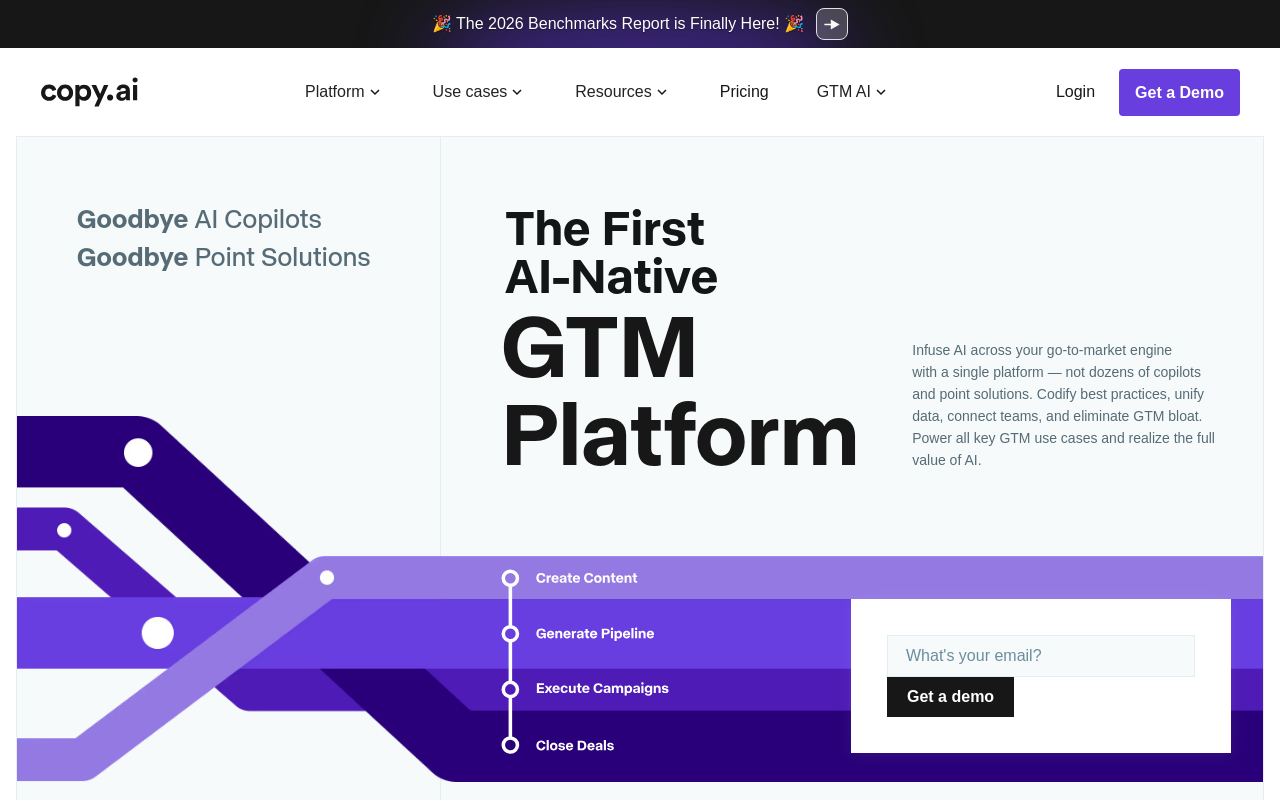
Copy.ai's current site positions the product as a go-to-market AI platform with content creation and other business workflows. Reviewed in October 2026, its scope extends beyond individual social posts. That is a strength when the same approved knowledge needs to support several marketing or sales tasks.
Consider it if post creation is one step in a larger repeatable process. Your evaluation should include the source data, handoffs, and people responsible for quality. A strong generated paragraph is only part of the purchase if the real requirement is a coordinated content operation.
A solo professional who only needs occasional drafts may find a general assistant easier to configure. That is a scope tradeoff, not a claim that one system writes better. Compare the administration required to keep approved facts and instructions current.
Ask for a demonstration using your own sanitized brief instead of a vendor's prepared example. Check how the workflow handles missing facts and whether a reviewer can trace the final claim back to the source. Confirm the commercial terms for the complete workflow before treating a headline price as the full cost.
8. When should you consider Jasper?
Jasper's October 2026 positioning emphasizes marketing agents, content pipelines, and Jasper IQ for brand context. Its strength is coordinating brand guidance across marketing work, which may matter more to a team than personal-post generation alone.
Evaluate Jasper when several people need to use the same approved positioning and product facts. Ask how those facts are updated, how multiple brand voices are separated, and what happens when a source conflicts with the current brief. Governance matters only if the daily workflow actually uses it.
The tradeoff for an independent creator is breadth. If your work consists of a few personal observations and manual publishing, you may pay for a process you will never use. Conversely, a shared marketing team may prefer centralized controls over individual prompt documents.
Brand voice and personal voice can differ. An executive's post may need more individual judgment than a campaign asset. Test whether the author can retain a distinct point of view while respecting organizational constraints, and decide who owns the final approval.
9. When is AuthoredUp a better fit than another generator?
AuthoredUp's public page emphasizes an editor, drafts, a calendar, and analytics. Reviewed in October 2026, it is especially relevant when your writing already exists and the problem is preparation, organization, or understanding past posts. It should not be evaluated as though formatting and generative writing were the same capability.
Its editorial focus can be a strength for people who want to remain close to the text. A useful trial starts with your own draft and checks preview, revision, and the publishing process. Examine whether the workflow removes friction without encouraging unnecessary visual formatting.
The tradeoff is that an editor cannot supply missing expertise. If you have not decided what you want to say, clearer formatting will not solve the underlying problem. Pair an editorial workflow with your own idea notes or a separate drafting assistant if that fits your preferences.
Confirm current AI functions directly if generation is a requirement. Judge AuthoredUp on the problem it addresses, which is preparing and organizing writing you already have, and choose the workflow that fixes the work you actually struggle to complete.
10. What can we currently confirm about Postdrips?
Postdrips appeared in the earlier version of this comparison, but we could not retrieve enough current product information from its site during this review. So this entry carries no price, no verified feature list and no position above products whose current offering we could inspect. A gap in what we could retrieve says nothing about whether the product has closed or lacks a feature.
If Postdrips is on your shortlist, ask the vendor directly for each of these and keep the written answers:
- Current plan details and what each plan includes.
- A demonstration of draft generation, editing and export, using the same evaluation brief as the other candidates.
- Any scheduling step you need, and the account connection requirements behind it.
- Cancellation terms and how you keep access to your saved drafts.
Shortlist it once those answers cover the parts of your workflow that matter, so the purchase rests on the current product and not on a historical listicle.
How do you run a fair writing trial?
Prepare an illustrative brief using facts you can share: “A product team replaced a broad onboarding guide with instructions organized around setup errors. The post should explain the decision, acknowledge that documentation cannot fix a broken interface, and avoid claiming a measured support reduction.” Add representative samples of your own writing and a clear target reader.
Give each candidate the same material. Save the first draft before editing. Mark invented facts, missing qualifications, phrases you would never use, and changes needed to make the argument clear. Then request the same revision: “Keep the tradeoff, remove unsupported outcomes, and make the opening more direct.” A useful tool should respond to that instruction without reintroducing the errors elsewhere.
Use the same brief template for every tool, so the only variable is the tool:
- Reader: [role, and the problem they have this month]
- Point of the post: [one sentence you would defend in a meeting]
- Facts you can share: [two or three verified details]
- Tradeoff or limit to keep: [what the post must not overstate]
- Writing samples: [two posts or paragraphs you wrote yourself]
Score each first draft on the same sheet:
| Check | Tool A | Tool B |
|---|---|---|
| Invented facts or outcomes | [count] | [count] |
| Tradeoff or qualification kept | [yes or no] | [yes or no] |
| Phrases you would never use | [count] | [count] |
| Edits needed before you would publish | [light, moderate or heavy] | [light, moderate or heavy] |
| Revision instruction followed without new errors | [yes or no] | [yes or no] |
Measure your own editing work, not just generation speed. Record whether you would publish the final result, how much rewriting it required, and whether source claims remained intact. Repeat with a different kind of post before deciding, because a single polished draft may only show a good match for that one topic.
Review data handling as part of the trial. For example, OpenAI's data-control documentation distinguishes training preferences from chat retention. Other vendors have their own terms. Remove confidential source material until you understand the relevant settings and your organization's requirements.
What should stop you from buying?
Stop if the draft repeatedly invents evidence, the workflow obscures who approves publication, or the tool requires permissions you cannot justify. LinkedIn®'s User Agreement is the authority for platform restrictions, not a vendor's statement that an action is safe. Separate publishing your own posts from automated engagement or outreach.
Also stop if the tool solves someone else's problem. A larger idea library is unnecessary when your bottleneck is factual review. More generation adds little when your calendar already contains unfinished drafts. The right next step may be a clearer brief and a reliable review appointment.
Choose a short list based on your workflow, run the same trial, and keep the option that produces defensible posts with manageable editing. Use the hook generator for opening alternatives if that is the only missing step. You do not need an entire platform to fix one sentence.
Write LinkedIn® Posts That Sound Like You
AI post writer with voice profiles that learn your tone, structure, and vocabulary, directly on LinkedIn®.