There are over 200 LinkedIn® Chrome extensions in the Chrome Web Store right now. Most do one thing. Some do it well. Many are abandoned, overpriced, or borderline risky for your LinkedIn® account.
We installed and tested the ones that actually matter, across content creation, engagement, lead generation, analytics, and productivity. The result: 14 LinkedIn® Chrome extensions worth your time in 2026, organized by what you're trying to accomplish.
Quick Comparison
Extension | Category | Key Feature | Free Plan | Price |
|---|---|---|---|---|
Reepl | All-in-one | AI writing + scheduling + analytics + free tools | Yes | Free / $19/mo |
AuthoredUp | Content creation | Post formatting and preview | No (14-day trial) | $19.95/mo |
Taplio | Content creation | AI post writing + lead database | No (7-day trial) | $69/mo (Growth, with AI) |
EngageAI | Engagement | AI comment generation + prospect monitoring | Yes | Free / $12.90/mo |
PowerIn | Engagement | Fully automated commenting | No (5-day trial) | $99/mo (Advanced) |
Apollo.io | Lead gen | Email finder + 275M contact database | Yes | Free / $49/user/mo |
Lusha | Lead gen | Verified B2B emails and phone numbers | Yes (40 credits/mo) | From $32.45/user/mo |
HubSpot Sales | CRM | CRM sidebar + email tracking | Yes | Free / $20/mo |
Shield | Analytics (shut down) | Formerly LinkedIn® post performance analytics | N/A | Discontinued (2026) |
Kleo | Analytics | Content analytics (rebuilt as web app) | No | $99/mo (Kleo 2.0) |
Sales Navigator | Lead gen | Advanced search + lead tracking | No (trial available) | $89.99/mo (annual) |
Publer | Productivity | Multi-platform post scheduling | Yes (3 accounts) | From $5/mo |
Crystal | Productivity | DISC personality insights per profile | Yes (10 lifetime previews) | $99/yr (annual only) |
Grammarly | Productivity | Grammar, tone, and clarity checking | Yes | Free / $12/mo |
Featured Pick: All-in-One
1. Reepl: AI Writing, Scheduling, Analytics, and 20+ Free Tools
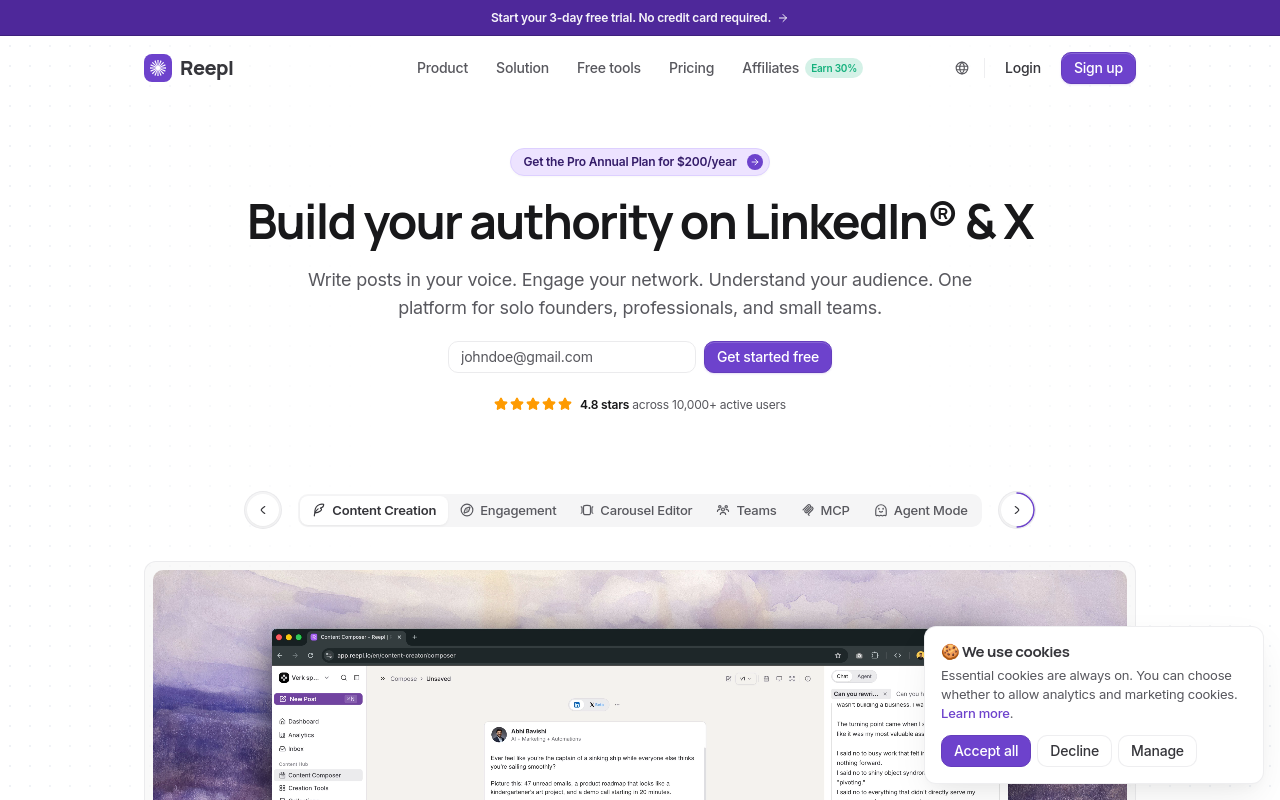
Reepl is a Chrome extension that works directly on LinkedIn®. Open a comment box, and it adds an AI-powered "Write Comment" button. Start a new post, and it offers AI drafting with tone control, custom prompts, and voice profiles that learn how you write.
But comments and posts are only the start. Reepl also includes a content scheduler with calendar view, analytics, and over 20 free tools at reepl.io, including a carousel maker, post formatter, and headline analyzer.
What makes it different from most tools on this list: you're not switching between five tabs. Comments, posts, scheduling, and analytics live in one extension and one web app.
Key Feature
Custom prompt library with voice profiles. Build your own AI prompts, set response types, choose tone, and train the AI on your own past posts so drafts sound like you, not a template.
Pricing
Free plan includes 5 AI comments per day, 5 AI messages per day, 200 monthly credits, and all free tools. Paid plans start at $19/mo (Pro) and unlock more credits, scheduling, and advanced features. See current pricing at reepl.io/pricing.
Chrome Web Store
Yes, available on Chrome Web Store.
Content Creation and Posting
2. AuthoredUp: Post Formatting and Preview
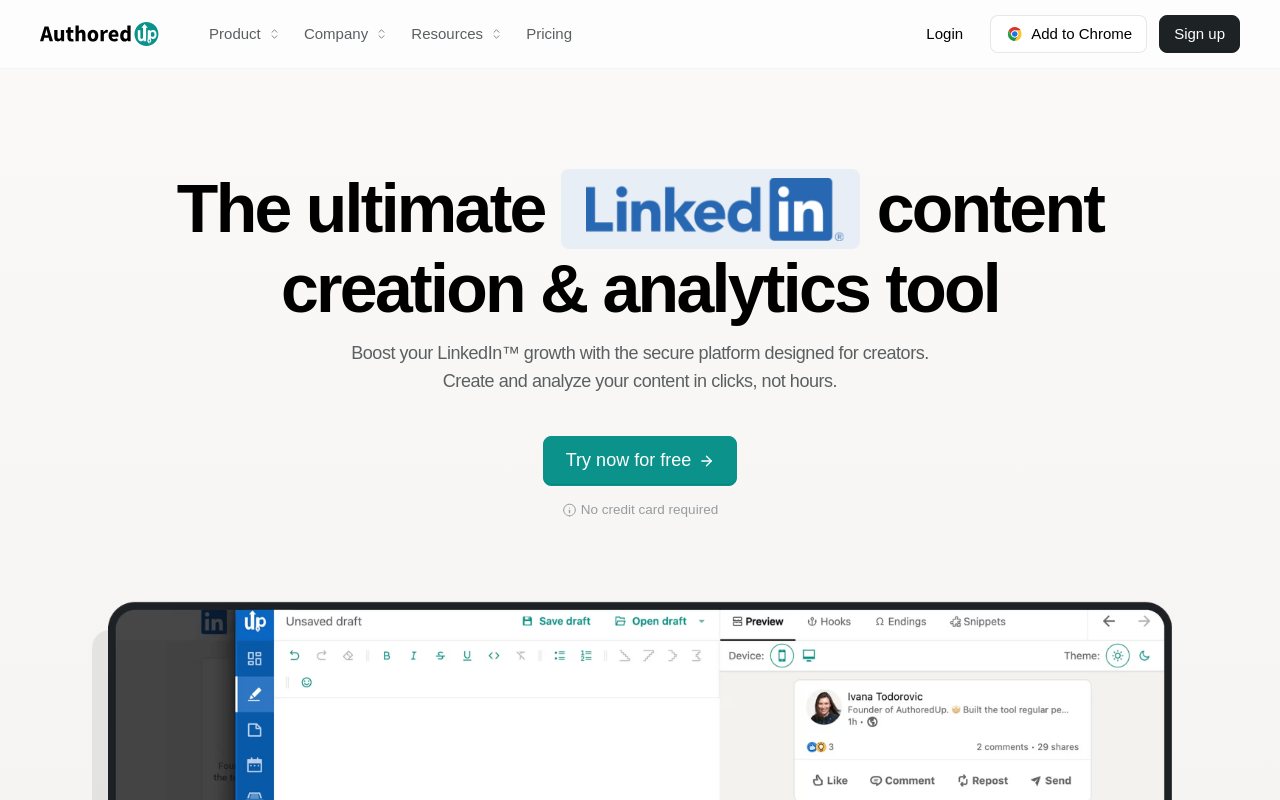
AuthoredUp solves a specific problem: LinkedIn®'s native post editor has no formatting. No bold, no italic, no bullet points. AuthoredUp adds a rich text editor directly to LinkedIn® with formatting tools, a library of 300+ hooks and post endings, and a post preview so you can see exactly how your content will look before publishing.
It's a writing-focused tool, not an all-in-one platform. No scheduling, no AI writing, no CRM. If you care about how your posts look and want a library of proven hooks to start with, AuthoredUp delivers. If you need more than formatting, you'll need a second tool. (See our Reepl vs AuthoredUp comparison for a detailed breakdown.)
Key Feature
Rich text formatting (bold, italic, bullets, numbered lists) and post preview directly in LinkedIn®'s composer.
Pricing
No free plan. 14-day free trial. Individual plan at $19.95/mo. Team plan at $14.95/profile/mo (minimum 3 profiles).
Chrome Web Store
Yes, available on Chrome Web Store.
3. Taplio: Content Scheduling and AI Writing
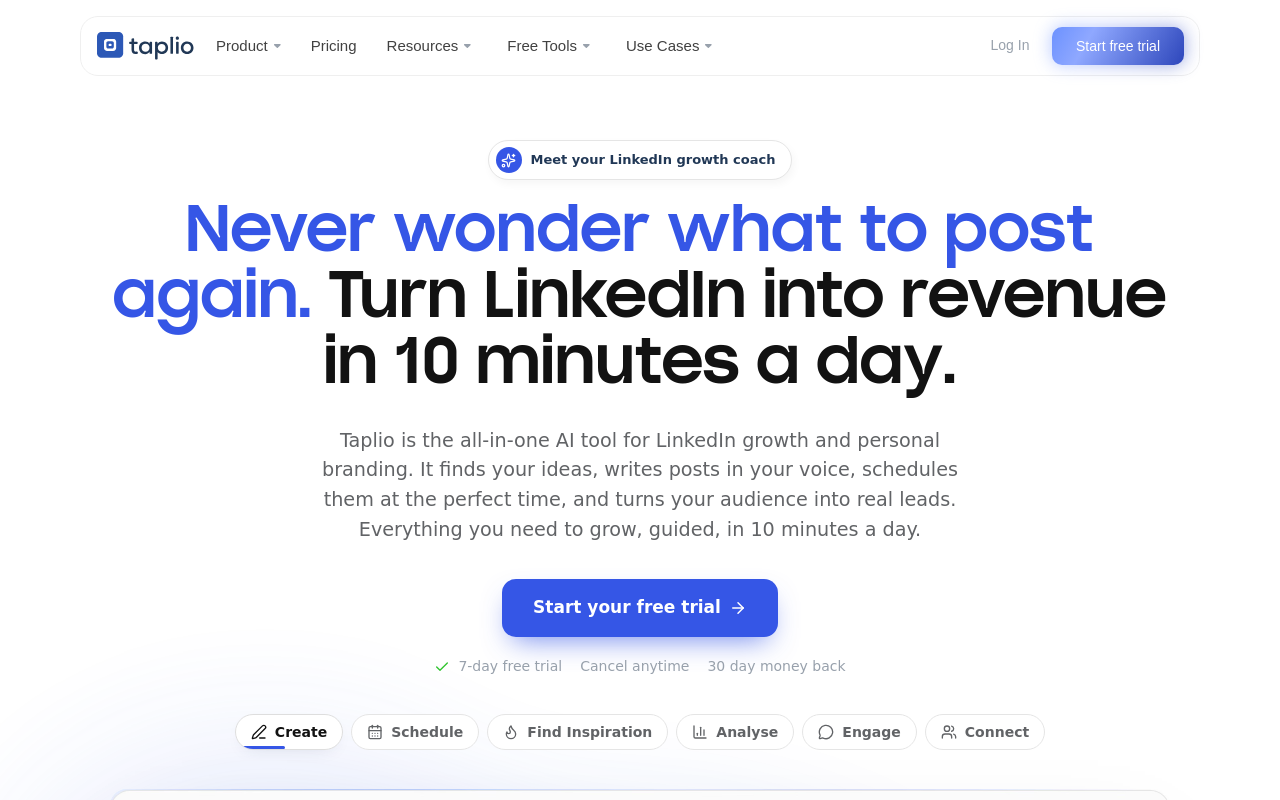
Taplio is one of the most recognized LinkedIn® growth platforms. It combines AI-powered post generation, content scheduling, analytics, carousel creation, and a contact database for prospecting.
Worth noting: Taplio is primarily a web app, not a Chrome extension. They market a companion Chrome extension called Taplio X, though as of this audit its Chrome Web Store listing is no longer live, so the core platform at taplio.com is the reliable way in. The AI commenting and content features require the $69/mo Growth plan, the $39/mo Starter plan excludes AI entirely.
Key Feature
AI post generation combined with a contact database for prospecting and engagement. (Taplio markets specific training-data and contact-count figures elsewhere, but we could not confirm exact numbers on taplio.com itself, so we are not repeating them here.)
Pricing
No free plan. 7-day trial with full access. Starter at $39/mo (no AI). Growth at $69/mo (AI included). Pro at $199/mo. Annual billing saves roughly 20-30% depending on tier.
Chrome Web Store
Taplio X is marketed as a free companion extension, but its Chrome Web Store listing is no longer live as of this audit. The full platform remains available at taplio.com.
Engagement and Comments
4. EngageAI: AI Comment Generation
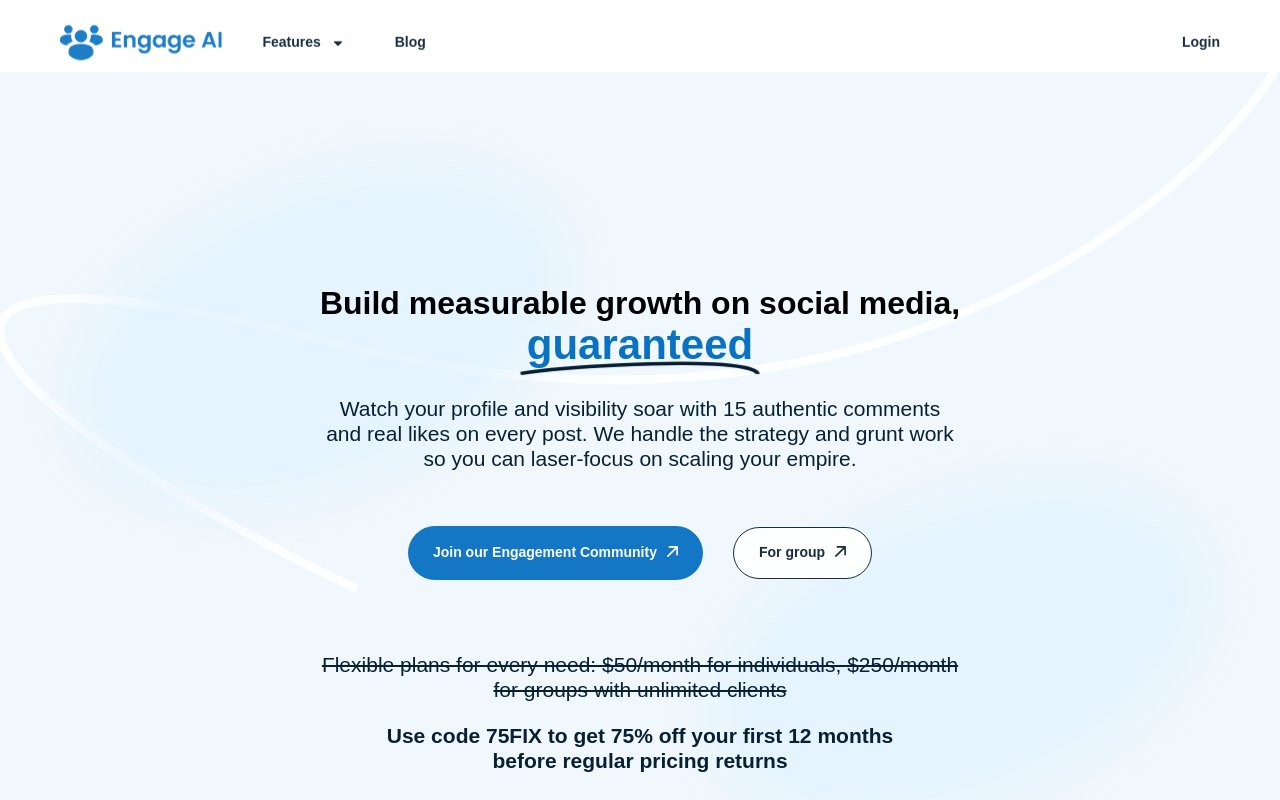
EngageAI has been in the LinkedIn® engagement space longer than most competitors. The standout: a genuinely useful free plan with unlimited AI comments using GPT-4o mini, no credit card required.
Beyond basic comment generation, EngageAI offers prospect monitoring. Add LinkedIn® profiles to your watch list, and the tool alerts you when they post, turning random feed scrolling into targeted engagement. Paid plans unlock better AI models (GPT-4o and GPT-4.5) and more monitored prospects. (For a detailed comparison, see Reepl vs EngageAI.)
Key Feature
Prospect monitoring with post alerts, comment strategically on target accounts instead of scrolling your feed.
Pricing
Free forever plan with unlimited comments (GPT-4o mini). Starter at $12.90/mo. Pro at $30/mo. Elite at $80/mo.
Chrome Web Store
Yes, available on Chrome Web Store.
5. PowerIn: Automated Commenting at Scale
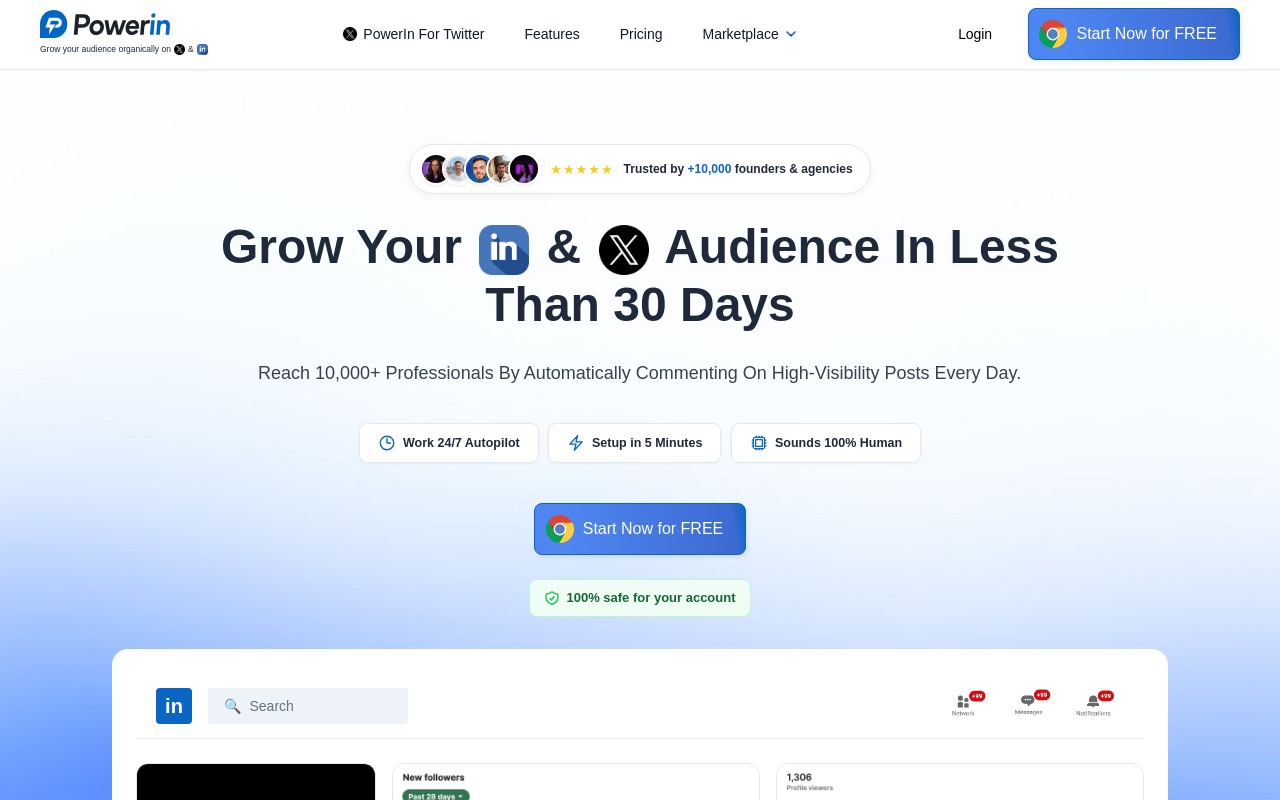
PowerIn takes a fundamentally different approach: full automation. Set your target keywords and creators, and PowerIn comments on their posts automatically during business hours. No manual review required.
This is the highest-volume option on this list, up to 200 comments per day on the top-tier Scale plan. The tool includes language detection (comments in the post's language) and automatic filtering of political and sensitive content.
But here's the trade-off. LinkedIn®'s User Agreement (Section 8.2) prohibits bots and other automated methods, and fully automated commenting falls squarely in that category. LinkedIn® shut down Kleo's Chrome extension in 2025 over automated engagement (more on that below), which shows the platform is willing to act on this. Use PowerIn with eyes wide open about the risk.
Key Feature
Fully hands-off commenting with timezone-aware posting and keyword targeting.
Pricing
No free plan. 5-day trial. Pricing was restructured since this list was first published: Growth at $59/mo (30 comments/day, or $39/mo billed annually), Advanced at $99/mo (100 comments/day, or $66/mo billed annually), Scale at $149/mo (200 comments/day, or $99/mo billed annually). Annual billing saves up to 34%.
Chrome Web Store
No longer listed on the Chrome Web Store as of this audit.
Lead Generation and CRM
6. Apollo.io: Email Finder and Sales Prospecting
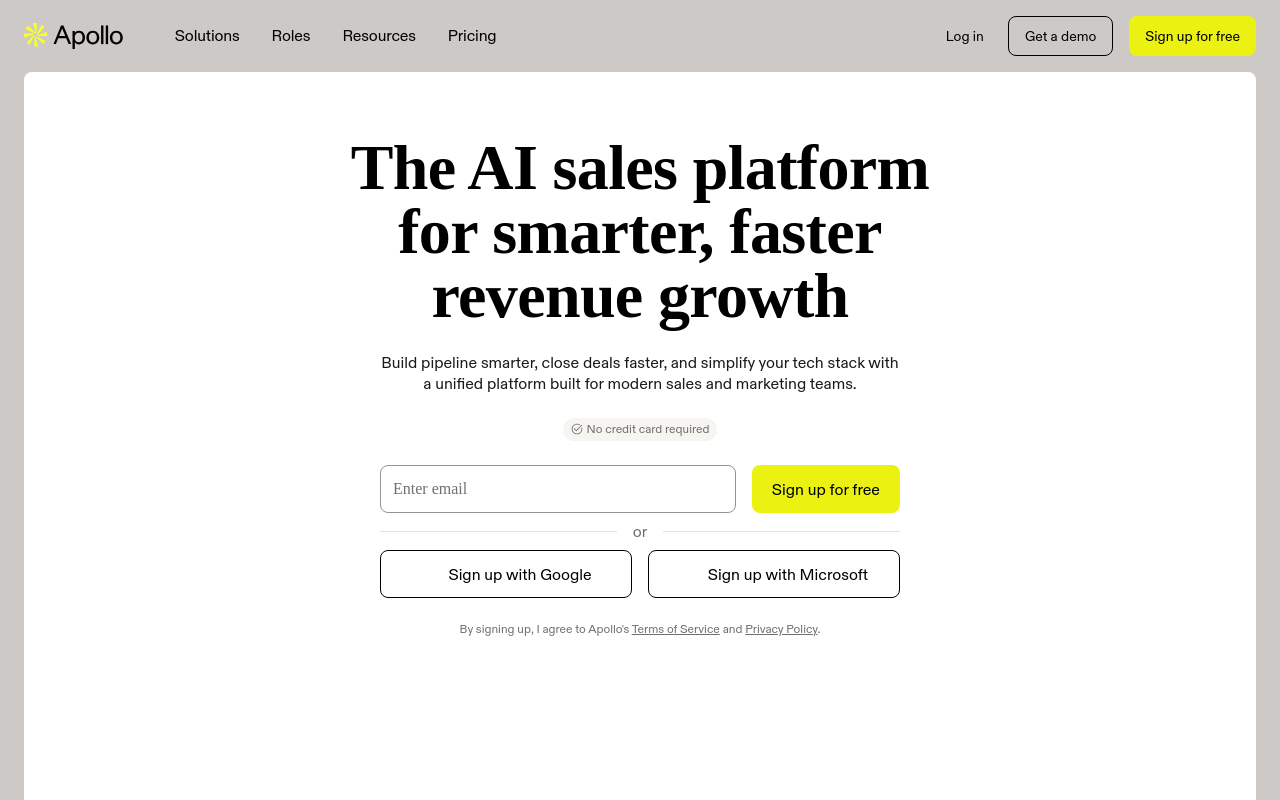
Apollo.io is one of the largest B2B sales intelligence platforms, and their Chrome extension brings it to LinkedIn®. Visit any LinkedIn® profile or company page, and Apollo surfaces verified email addresses, phone numbers, and company data from a database of 230M+ contacts and 30M+ companies.
The extension also integrates with Apollo's full platform: email sequences, dialer, CRM sync, and intent data. For sales teams who live on LinkedIn® for prospecting, Apollo is the most comprehensive data tool available.
Key Feature
230M+ verified B2B contact database accessible directly from LinkedIn® profiles.
Pricing
Free plan with limited credits. Basic at $49/user/mo. Professional at $99/user/mo (roughly $79/user/mo on annual billing). The top tier is a custom-quoted Enterprise plan, not a fixed per-seat price.
Chrome Web Store
Yes, available on Chrome Web Store.
7. Lusha: B2B Contact Data
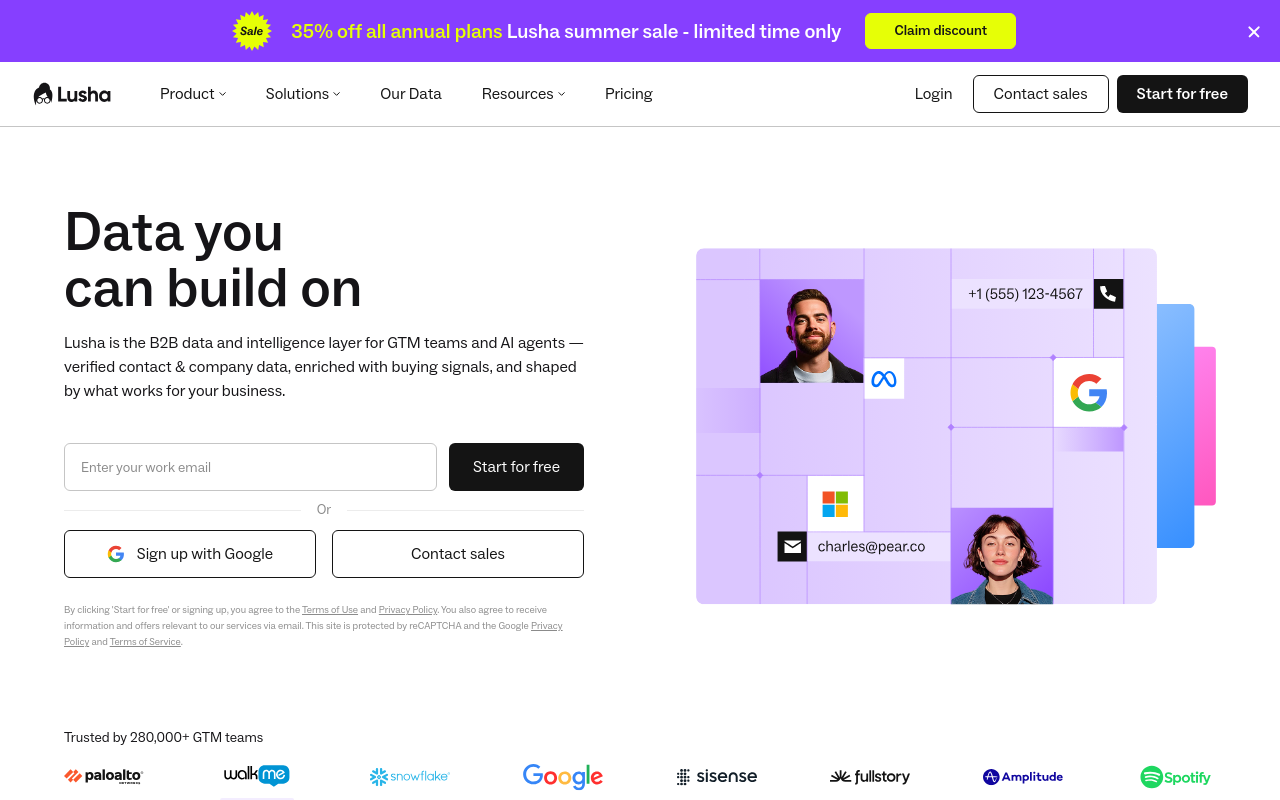
Lusha focuses on one thing: revealing verified business emails and direct phone numbers from LinkedIn® profiles. Click the extension on any profile, and Lusha shows available contact data using a credit-based system (1 credit per email, 10 per phone number).
It's more streamlined than Apollo, less of a full sales platform, more of a quick-lookup tool. The free plan includes 40 credits per month, enough for occasional prospecting. Power users will burn through credits fast on paid plans.
Key Feature
One-click contact data reveal with verified email addresses and direct phone numbers.
Pricing
Free plan with 40 credits/mo. Lusha repriced and renamed its tiers since this list was first published: Starter at $32.45/user/mo billed annually (4,800 credits/year), Professional at $45.45/user/mo billed annually (7,200 credits/year), Premium at $259.95/user/mo billed annually (40,800 credits/year). A custom-quoted Scale plan sits above Premium.
Chrome Web Store
Yes, available on Chrome Web Store.
8. HubSpot Sales Extension: CRM Integration
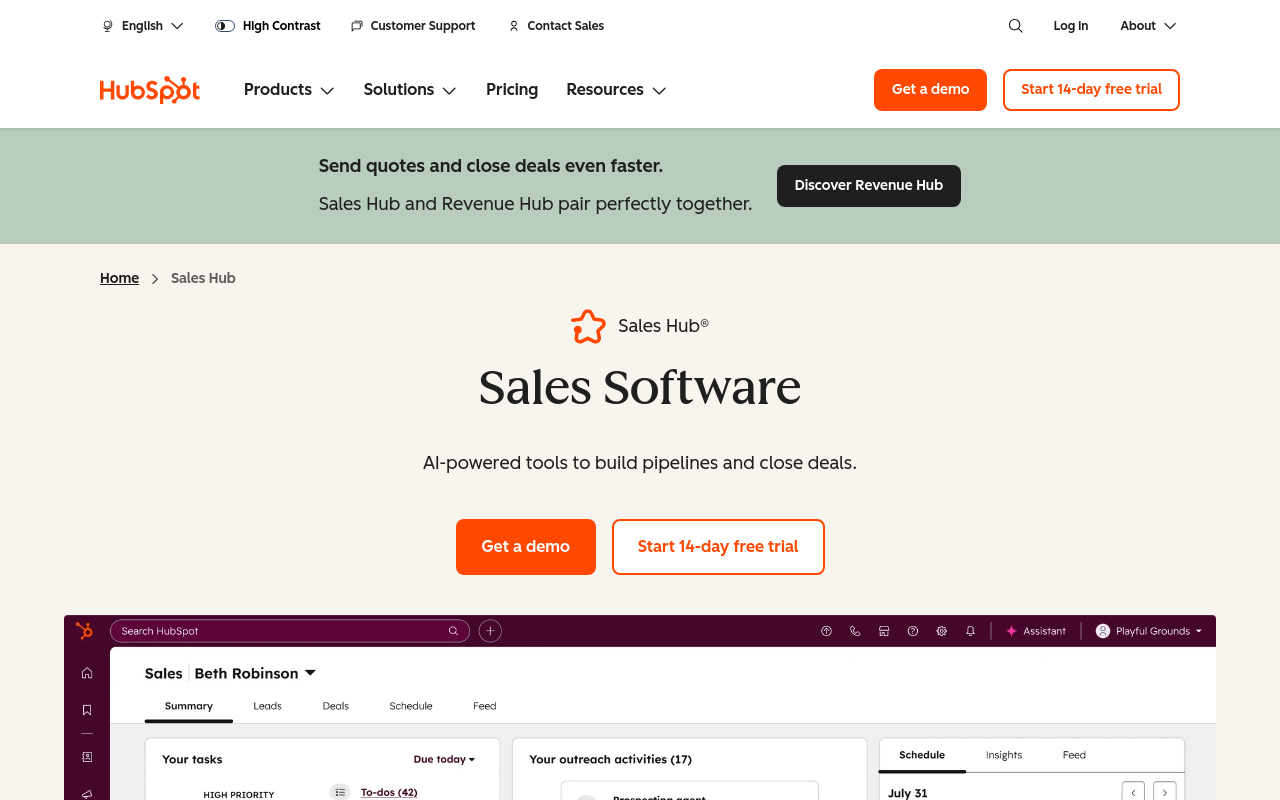
HubSpot Sales connects your LinkedIn® browsing to HubSpot CRM. The extension adds a sidebar that shows CRM records, contact history, and deals while you browse LinkedIn® profiles. It also includes email tracking, meeting scheduling, email templates, and the new Breeze AI Copilot.
The biggest draw: the extension is free with a free HubSpot account. If your team already uses HubSpot, installing this extension is a no-brainer. If you don't use HubSpot, the extension has limited value on its own.
Key Feature
CRM sidebar on LinkedIn® profiles with full contact history, deals, and one-click logging.
Pricing
Extension is free with a free HubSpot account. HubSpot Sales Hub Starter starts at $20/mo/seat (monthly billing). Professional is priced per seat now, not as a flat fee: $90/mo/seat billed annually or $100/mo/seat billed monthly, plus a one-time $1,500 onboarding fee.
Chrome Web Store
Yes, available on Chrome Web Store.
Analytics and Insights
9. Shield: LinkedIn® Analytics Dashboard (Shut Down)
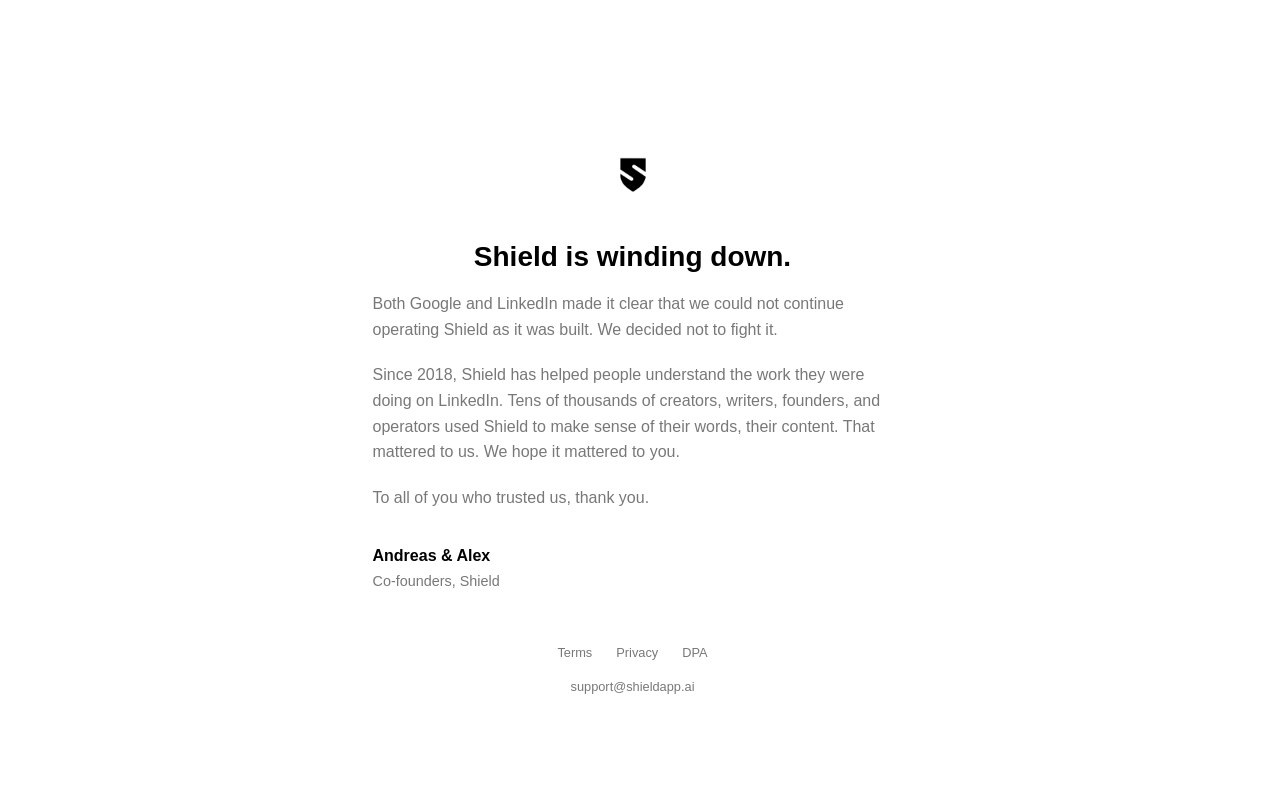
Update: Shield has shut down. Its founders posted a wind-down notice stating that changes at both Google and LinkedIn® made it impossible to keep operating the product as it was built. Shield ran since 2018 and was, until recently, a genuinely useful analytics layer on top of LinkedIn®'s native stats. We're leaving this entry in for readers who remember it and are looking for a replacement, not as an active recommendation.
When it was live, Shield was a pure analytics tool: impressions, engagement rates, follower growth, and content performance trends, no content creation, no scheduling, no AI. If you were using Shield for LinkedIn® analytics, Reepl and AuthoredUp both include basic performance analytics alongside their other features.
Key Feature
Formerly: historical content performance tracking with engagement rate trends and follower growth analytics.
Pricing
No longer sold. Shield's site now shows only its wind-down notice; we can't confirm its last live pricing from a current primary source, so we're not restating old numbers as if they still apply.
Chrome Web Store
No, removed. Shield's known Chrome Web Store listings no longer resolve to an active extension.
10. Kleo: Content Analytics (Rebuilt as Kleo 2.0)
Kleo's original LinkedIn® analytics extension grew to roughly 70,000 users before it was pulled down in mid-2025. Kleo's founder has publicly described receiving a cease and desist and said LinkedIn® told the company to remove the extension. Neither Kleo nor LinkedIn® has published a detailed explanation of the underlying reason, so we're not asserting one beyond what the founder has said himself.
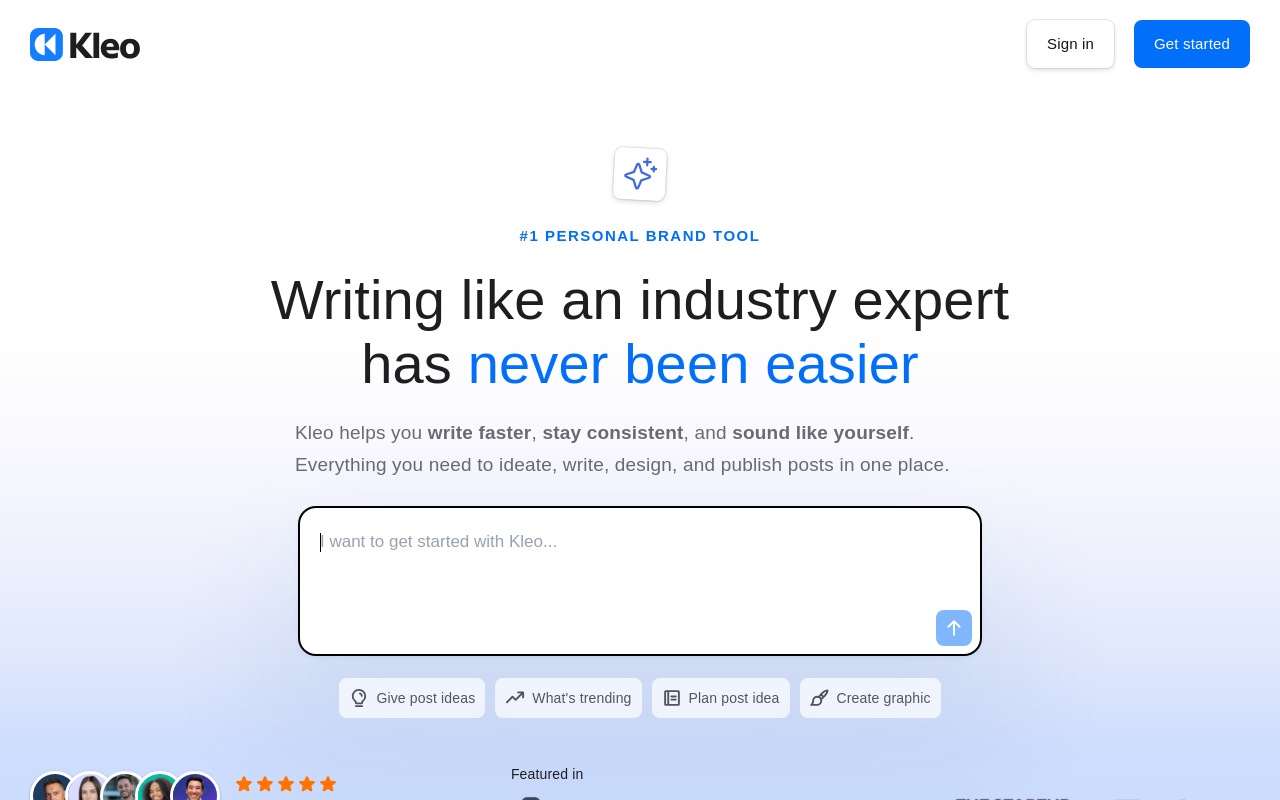
Kleo is not gone, it's rebuilt. Kleo 2.0 is a standalone web app at kleo.so that operates independently of LinkedIn®'s DOM, and it's live now (not on a waitlist), priced at $99/mo or $999/yr with no free trial. Kleo also has a current Chrome Web Store listing again, though it's a different, narrower tool than the original: a lightweight extension for saving content inspiration, not the old analytics and commenting feature set.
The Kleo shutdown is still a useful signal for anyone using LinkedIn® extensions, even though the full details of why aren't public. More on this in the "What to Watch Out For" section below. (See our Reepl vs Kleo comparison for alternatives.)
Key Feature
Content performance analytics and creator insights, rebuilt as a standalone web app after the original Chrome extension was removed.
Pricing
Kleo 2.0 is $99/mo or $999/yr (billed annually). No free trial.
Chrome Web Store
Kleo has a current listing again, but it's a repurposed content-saving extension, not the original analytics tool. The original Kleo extension is gone.
11. LinkedIn® Sales Navigator: Advanced Search and Lead Tracking
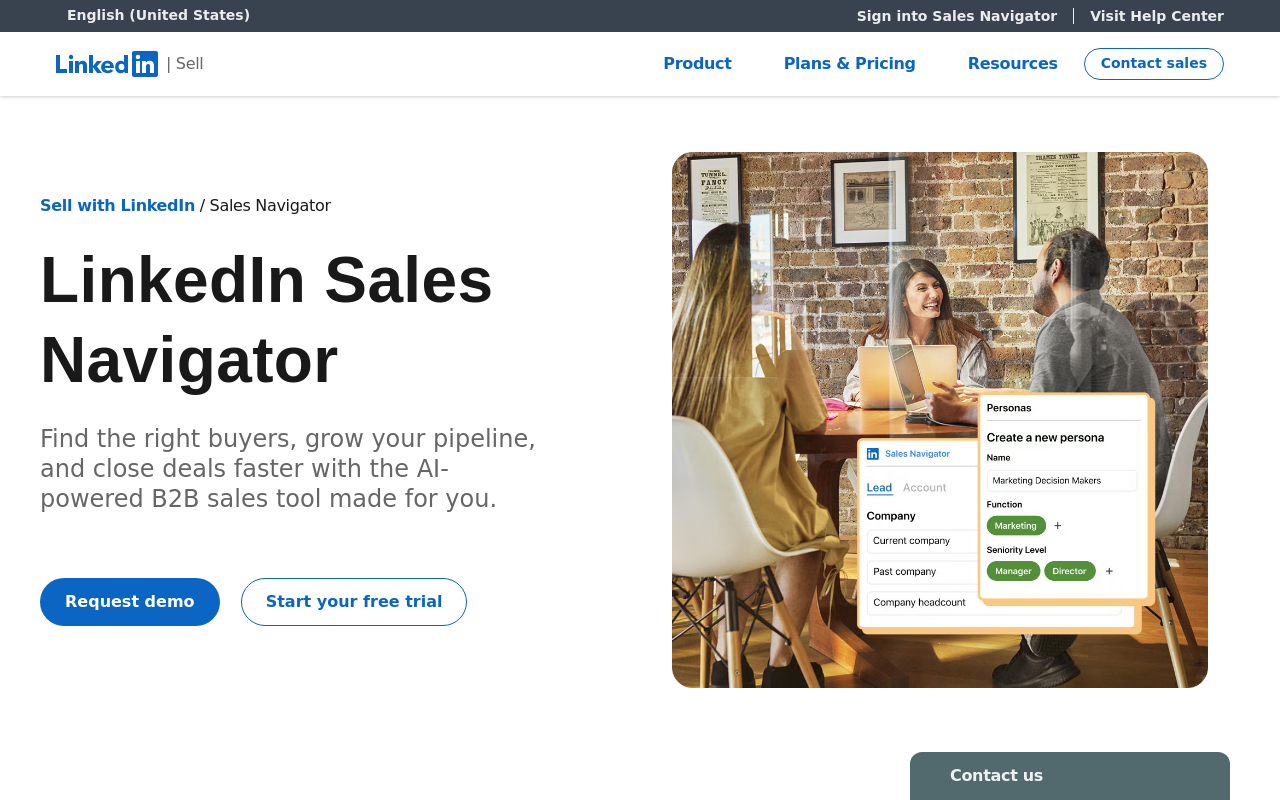
LinkedIn® Sales Navigator is LinkedIn®'s own premium sales product. It's not a Chrome extension, it's a subscription that adds advanced search filters, lead recommendations, InMail messaging, and CRM integrations directly into LinkedIn®.
The advantage over every third-party tool: guaranteed platform compliance. Sales Navigator will never get your account restricted because it's built by LinkedIn®. The disadvantage: it's expensive, and it does nothing for content creation or engagement.
Key Feature
Advanced lead search with 30+ filters, lead recommendations, and real-time sales alerts.
Pricing
No free plan. Trial available for new users (LinkedIn®'s own plans page doesn't state an exact trial length, so we're not guessing a number). Core at $89.99/mo (annual, $1,079.88/yr) or $119.99/mo (monthly). Advanced at $149.99/mo (annual, $1,799.88/yr) or $159.99/mo (monthly). Advanced Plus is custom-quoted.
Chrome Web Store
No, built into LinkedIn®. Access via linkedin.com/sales.
Formatting and Productivity
12. Publer: Multi-Platform Post Scheduling
Publer is a social media scheduling tool that supports LinkedIn® alongside other platforms (X, Facebook, Instagram, TikTok, and more). The Chrome extension lets you schedule posts directly from any webpage, share an article, add your take, and queue it for LinkedIn®.
It's not LinkedIn®-specialized like most tools on this list, but that's the point. If you manage multiple social channels and want one scheduling tool for everything, Publer covers LinkedIn® alongside the rest. The free plan supports up to 3 social accounts (X/Twitter isn't included on the free plan).
Key Feature
Schedule LinkedIn® posts alongside other social platforms from a single tool with browser extension quick-share.
Pricing
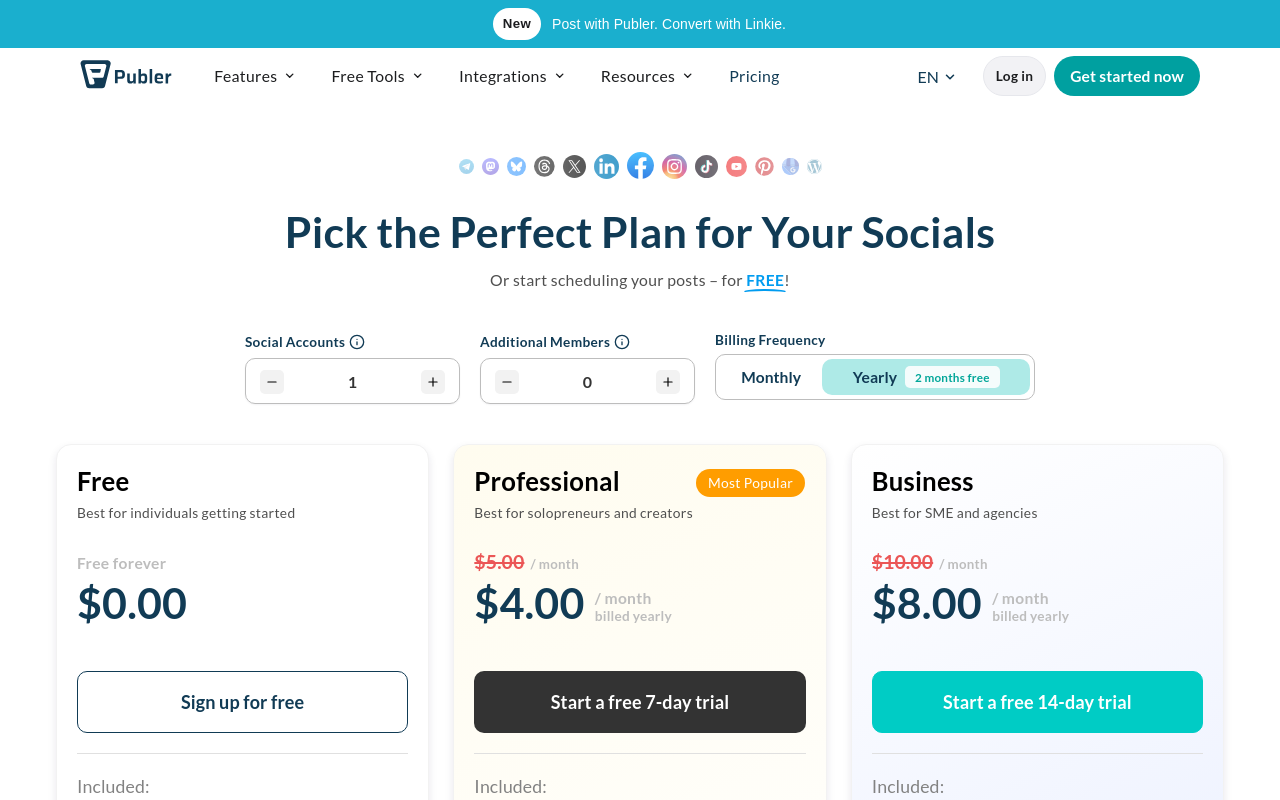
Free plan with 3 social accounts. Professional starts at $5/mo for 1 account, plus $4/mo per additional account (unlimited scheduling). Business starts at $10/mo for 1 account, plus $7/mo per additional account (adds AI Assist, analytics, and post recycling).
Chrome Web Store
Yes, available on Chrome Web Store.
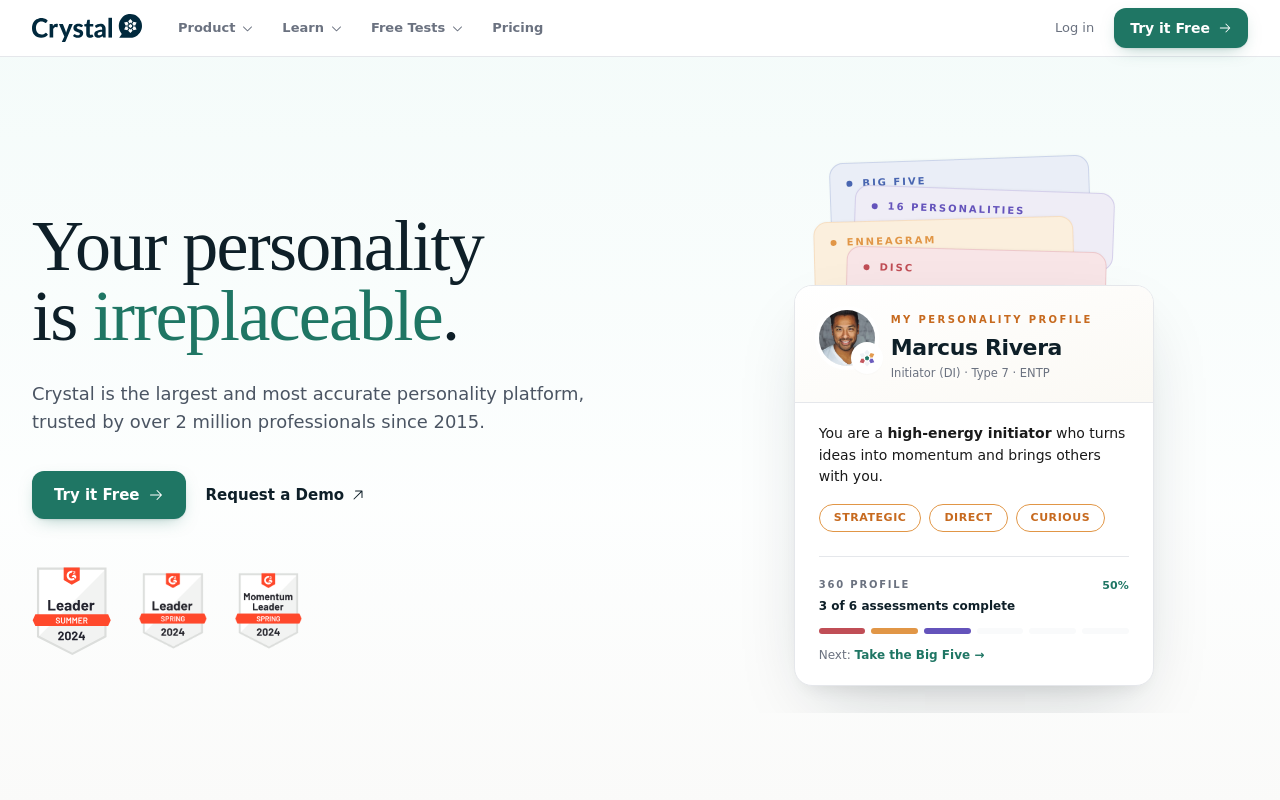
13. Crystal: Personality-Based Communication Insights
Crystal uses DISC personality assessments to analyze LinkedIn® profiles and tell you how to communicate with each person. Visit a LinkedIn® profile, click the Crystal extension, and it shows the person's likely communication style, whether they prefer data-driven emails, casual messages, or direct bullet points.
It's a niche tool, most useful for sales professionals who send personalized outreach. If you're doing high-volume prospecting and want to tailor your messaging tone per recipient, Crystal adds a layer of personalization that other tools don't offer.
Key Feature
DISC personality prediction per LinkedIn® profile with communication style recommendations.
Pricing
Free plan includes all 6 core personality assessments plus 10 lifetime Chrome-extension previews (not a monthly allowance). Crystal Premium is $99/year, billed annually only, there's no monthly option. CRM integration isn't part of Premium; it only exists on Crystal's separate, pricier Sales product line (Basic from $59/mo).
Chrome Web Store
Yes, available on Chrome Web Store.
14. Grammarly: Writing Assistance Across LinkedIn®
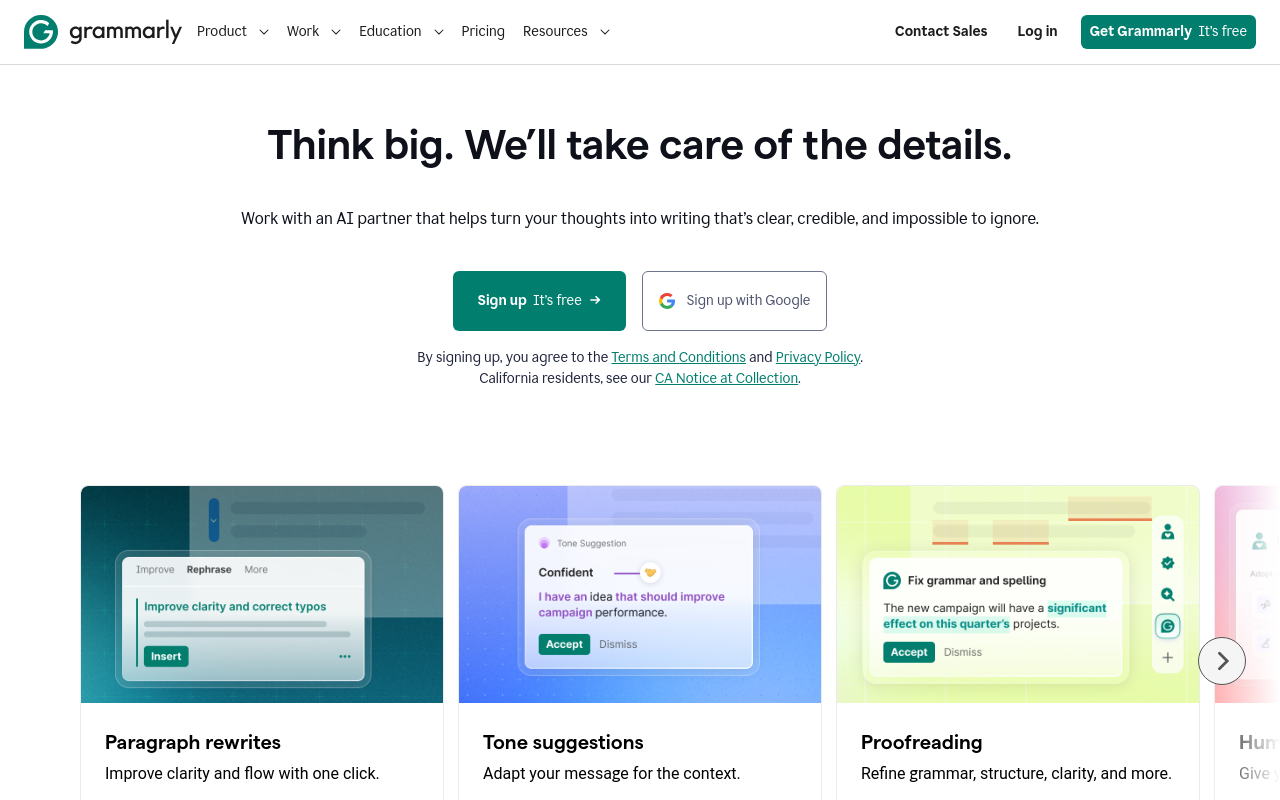
Grammarly isn't LinkedIn®-specific, but it works everywhere you write on LinkedIn®: posts, comments, messages, InMail, and profile sections. The extension checks grammar, spelling, punctuation, tone, and clarity in real time.
The free version covers basic grammar and spelling. Grammarly Pro adds tone detection, full-sentence rewrites, and generative AI features that overlap with LinkedIn®-specific writing tools. If you already use Grammarly for email, it automatically covers your LinkedIn® writing too.
Key Feature
Real-time grammar, tone, and clarity suggestions across all LinkedIn® text fields.
Pricing
Free plan with basic checks. Pro at $12/mo (annual). Monthly billing at $30/mo. 7-day free trial of premium features.
Chrome Web Store
Yes, available on Chrome Web Store.
What to Watch Out For
Not all LinkedIn® Chrome extensions play by the rules. LinkedIn® actively monitors for automated behavior and will restrict or ban accounts that violate their terms of service. Here are the categories of tools that carry real risk:
- Auto-connecting tools: Extensions that send connection requests automatically. LinkedIn® has strict daily limits, and exceeding them with automation is one of the fastest ways to get restricted.
- Automated commenting tools: Tools that post comments without manual review. Kleo's founder has said LinkedIn® required the removal of its original Chrome extension in 2025 after it grew to roughly 70,000 users; the exact contractual reason hasn't been made public. Any tool that posts to LinkedIn® on your behalf without you pressing "submit" puts your account at risk.
- Data scraping tools: Extensions that bulk-export LinkedIn® profile data, search results, or connection lists. LinkedIn® has sued companies over this (hiQ Labs case) and actively detects scraping behavior.
- Mass messaging tools: Automated InMail or DM sequences that send messages at scale. LinkedIn®'s messaging limits exist for a reason, and automating around them risks permanent account suspension.
The safe approach: use tools that generate suggestions for you to review and post manually. AI-assisted (you control the final action) is fine. AI-automated (the tool acts on your behalf) is where LinkedIn® draws the line.
How to Choose the Right LinkedIn® Chrome Extension
Start with your primary use case, then expand from there:
- Content creation? You need a post editor and scheduler. Reepl covers AI writing + scheduling in one extension. AuthoredUp is the specialist for formatting. Taplio is a power-user web platform.
- Engagement and comments? Reepl and EngageAI both offer AI comment generation with manual review. Avoid fully automated tools unless you're comfortable with the account risk.
- Lead generation? Apollo.io for the largest contact database. Lusha for quick email lookups. Sales Navigator for advanced search with zero compliance risk.
- Analytics? Shield has shut down, so it's off the table now. Reepl and AuthoredUp both include basic analytics alongside their other features.
- General productivity? Grammarly for writing quality across everything. Crystal for personalizing outreach tone. Publer if you schedule across multiple social platforms.
A good rule of thumb: start with one or two extensions, not five. Each extension adds browser overhead and potential conflicts. Pick the one that covers your most important use case, and add others only when you hit a clear gap.
Related comparisons
Full head-to-head breakdowns for the extensions covered above.
- Reepl vs AuthoredUp, Reepl vs Taplio, Reepl vs Engage AI, Reepl vs PowerIn, Reepl vs Kleo, and Reepl vs Grammarly
- Build a search string with the free Sales Navigator search string builder
- Running an agency? See Reepl for agencies
Your All-in-One LinkedIn® Chrome Extension
AI comments, post writing, scheduling, contact saving, and 20+ free tools, all from one extension.