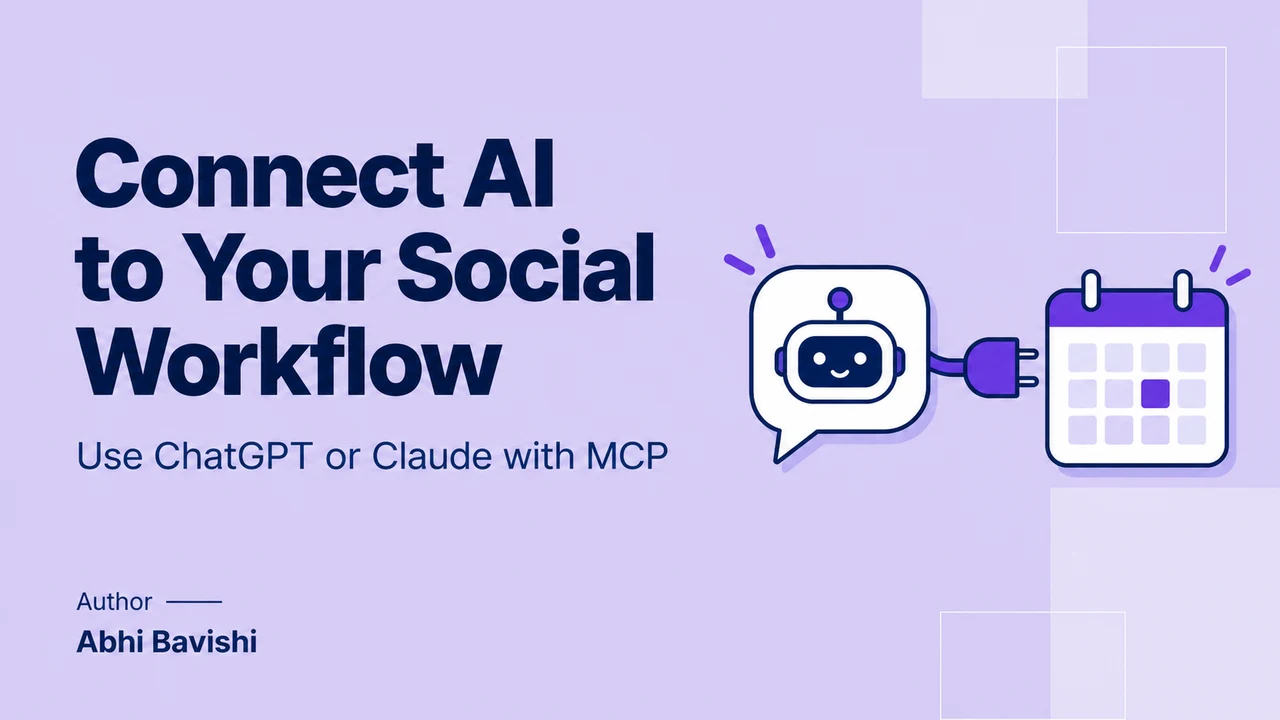
ChatGPT or Claude can help draft and schedule social posts when a compatible MCP connection exposes those actions and your account has the required access. With Reepl, the workflow can use existing voice guidance, save drafts and schedule approved content. Confirm the workspace, destination, exact text and timezone before any public action.
Key takeaways
- An AI assistant, an MCP server and a connected social account each play a different role.
- Give research, drafting, review and scheduling separate stopping points.
- Use existing voice guidance without changing shared preferences unless that is the intended task.
- Verify the returned state: draft, pending approval, scheduled and published are different outcomes.
What does an MCP connection actually add?
Copying a good AI draft into a calendar is simple once. Repeating the process every week creates small points of friction: finding the right voice notes, choosing the account, preserving edits and checking whether the post actually reached the calendar.
An MCP connection can join those steps inside a conversation. It gives the assistant specific tools in another application. The value is not that the assistant becomes independently responsible for your public presence, but that it can complete a clearly bounded task you can inspect.
This guide describes capabilities supported by current documentation and Reepl’s tool definitions, checked in October 2026. It is not a report of an end-to-end publishing test. Client availability, workspace settings and the connected service’s permissions still determine what your own setup can do.
Without a connected tool, an assistant can write text but may have nowhere to save it. With an MCP connection, it can discover specific actions exposed by a service and request those actions within the permissions you granted.
OpenAI’s MCP guide describes how models connect to external servers and how authorization and approvals govern tool calls. That explains the architecture. It does not establish that every consumer plan or every workspace exposes identical connection settings.
In a social workflow, the assistant interprets your request and prepares content. The MCP server exposes the relevant actions. The content application stores drafts, voice context and calendar entries. The connected social account is the destination for an authorized publishing action.
A connection does not automatically provide all four layers. A research server may only read public data. A publishing adapter may expose a create-post action without an editorial calendar. A content application may support drafts and scheduling but only for particular platforms or account types.
| Approach | What it can help with | What it does not establish by itself |
|---|---|---|
| AI chat without publishing tools | Drafting, editing and organizing supplied ideas | Access to your calendar or social account |
| Read-only research MCP | Retrieving available source material | Permission or capability to publish |
| Action adapter | Calling configured operations in connected apps | A complete voice, review and calendar workflow |
| Content-workflow MCP | Using stored context, drafts and supported publishing actions | Unlimited account access or unattended recurring execution |

What should you connect before asking for a post?
Reepl is an AI writing platform that puts your social media on autopilot in your own voice: it finds what to post about, drafts your posts, and keeps your calendar full, with you choosing what it does without asking.
That describes the broader product. The MCP connection discussed here exposes specific tools; recurring routines have separate setup and platform limits.
First, confirm that your chosen AI client supports the relevant MCP connection in your plan and workspace. Product interfaces change, and administrators may control access. Use the current connection instructions rather than an old screenshot describing a menu that no longer exists.
Next, connect the content service using its supported authentication flow. Reepl’s current quick connection uses https://connect.reepl.io/mcp with OAuth. Its advanced hosted connection uses https://mcp.reepl.io/mcp; available tools differ between those connection profiles.
That distinction matters when a task includes images or media management. The hosted profile exposes additional media and image-generation tools. Do not assume a directory connection contains them simply because another tutorial shows the same product performing that task.
Then confirm the destination account is connected in the content application. Authenticating the assistant to Reepl is separate from connecting an X, Reddit or LinkedIn® account to Reepl. One successful sign-in does not replace the other connection.
Finally, select the workspace and channel. If you belong to multiple client workspaces, ask the assistant to list the available destinations and use the intended one explicitly. A default workspace makes routine work convenient, but it should not silently determine where client content goes.
How do you ask for a draft without accidentally scheduling it?
Give the request a concrete output and a stopping point. “Handle my content” is too broad to be useful. “Save one unpublished draft from these notes and show it to me” gives the assistant a clear action and a result you can review.
Here is an illustrative request from a founder explaining a product decision. The source notes contain the actual tradeoff and outcome, so the assistant’s job is editorial rather than inventing a case study from an attractive theme.
Use my founder workspace and existing voice guidance. Turn the notes below into one draft for my connected personal account. Keep the stated limitations and do not add statistics. Save the draft and show the text. Stop before scheduling or publishing.
For research-heavy work, add an earlier stage. Ask for a short set of relevant sources, their links and the observations they support. Review that evidence before requesting a draft, especially when the subject involves another company’s product or someone else’s claims.
The difference is visible in tools such as Reddit MCP Buddy, whose current documentation describes read-only research. Research access can improve a draft without creating permission to participate in the community or publish from your account.
After the first draft, request edits to that draft rather than a new publishing action. For example: “Make the opening more concrete, remove the unsupported comparison and keep the ending as a question. Save the revised draft and show what changed.”
A separate review instruction makes the handoff explicit. You can approve the wording while leaving the time undecided, or approve a schedule only after confirming the destination. Those are useful distinctions when someone else manages your calendar.

How does the assistant use your voice without inventing facts?
Voice guidance describes how you write: sentence shape, tone, vocabulary, preferred structures and patterns to avoid. Source material describes what happened. They should support each other, but neither can substitute for the other.
Ask the assistant to read your existing guidance before drafting. In Reepl, the current MCP tools can retrieve voice and workspace context. That lets the conversation start with stored preferences rather than requiring you to paste the same writing brief every week.
Then give it facts with clear boundaries. “We shortened the onboarding form after reviewing support questions” is a usable observation. “This transformed conversion” is a separate claim that needs evidence. Tell the assistant when a result is preliminary or when a customer example must remain anonymous.
An effective instruction can be simple: “Use my usual direct opening and short paragraphs, but do not introduce numbers, customer quotes or causal claims absent from these notes.” Review the draft against that boundary before evaluating whether the wording sounds polished.
Be especially careful in shared workspaces. Changing a shared voice profile can affect other teammates’ future writing. “Make this post warmer” should normally be an instruction for one draft, not a permanent change to the workspace’s writing preferences.
A useful voice check is to read the draft aloud and identify sentences you would never say. Replace those with your own phrasing, then decide whether the correction belongs only in this post or should become lasting guidance through a separate, intentional update.
What should you confirm before scheduling?
Confirm the version, destination and time as one concrete instruction. Avoid approving “the post” when several drafts exist in the conversation. Refer to the saved draft or the exact version you just reviewed, and identify the account where it should appear.
Schedule the approved version from this draft for November 6, 2026, at 09:00 America/New_York on my founder account. Use the workspace we selected. Report the actual stored time and status, and tell me if the action requires another person’s approval.
Timezones deserve explicit treatment. The assistant should convert the named timezone to the timestamp required by the tool, considering daylight-saving rules for that date. A fixed offset copied from last month may be wrong for a later scheduled post.
Different platforms can also have different scheduling behavior. Reepl’s current LinkedIn® scheduling tool rounds to a 15-minute slot. Its Reddit scheduling description allows publication up to 15 minutes after the requested time. Ask for the actual stored or expected time instead of promising exact-minute delivery everywhere.
Plan access and usage matter before the write. Current Reepl X publishing and scheduling are marked for Premium and charge credits per tweet. Use current pricing and the action’s returned usage information rather than assuming the AI subscription covers every connected service.
If a teammate or reviewer must approve the post, report that outcome accurately. “Sent for approval” is useful information. Replacing it with “scheduled successfully” hides the remaining work and can leave the user expecting a post that is not yet authorized to go out.
Which permissions deserve a closer look?
Separate tool exposure from user intention. A connection may expose more actions than your present task needs. Where the provider allows a narrower configuration, select it deliberately rather than relying only on a sentence in a prompt to prevent unrelated writes.
Composio’s MCP documentation describes allowed-tool configuration. Zapier’s MCP documentation describes app and action controls. These are examples of provider controls to inspect, not evidence that every MCP server offers identical settings.
Reepl’s current consent flow separates permission to act on connected accounts from other access. Turning public-action access off is not the same as making the entire connection read-only: draft tools and some preference changes can still modify the workspace.
Also distinguish an approval prompt from a restricted permission. A prompt asks whether to carry out a particular action. A permission determines whether the action is available at all. Both can matter, but neither should be described as an absolute guarantee against every mistaken request.
What can go wrong after the assistant calls a tool?
A tool call can fail because an account disconnected, access changed, the requested feature is unavailable, the content violates a field limit, or a service returned an error. Start with the actual result rather than asking the assistant to retry everything immediately.
For a thread, partial success is especially important. Some posts can go live before a later item fails. Ask which items already published and retain their URLs before deciding whether to continue, revise or remove anything. Repeating the whole request could create duplicates.
For a scheduled item, inspect the saved content and state in the application. If the assistant says it saved a draft, do not assume a calendar entry exists. If it says pending approval, identify who needs to review it and whether any further action is required.
For recurring work, make a separate decision about scheduling a routine. MCP access alone is not an always-running job. Zapier’s explanation distinguishes chat actions from persistent Zaps; similarly, Reepl’s Andy routines are a separate feature with their own review modes and platform limits.
Current Andy routines require Pro or higher and publish to personal LinkedIn® accounts. Broad MCP support does not make those routines available for X or Reddit. Choose the recurring system intentionally after you have a reviewed one-off workflow that behaves as expected.
Continue with our guides to comparing MCPs for LinkedIn® and comparing Reddit MCP research options.
Put your next idea into words
Draft in your voice, review the details, and choose what to publish.