A LinkedIn® comment strategy is a repeatable routine: comment on the right people's posts, early, with something worth adding, a few times a day. Done consistently, it puts your name and profile in front of your target audience without you publishing a post. This guide covers who to target, when to show up, what to say, and how to measure it.
Why comments work as a discovery channel
Posting asks strangers to come to you. Commenting goes to where your audience already is. Your name, photo, and headline appear in front of them, attached to a thought that earns a click.
It also matches how the platform has been changing. AuthoredUp's analysis of 621,833 LinkedIn® posts found that average reach dropped 34% in 2025. If reaching people through your own posts is getting harder, spending part of your week in other people's conversations is a sensible hedge. Nobody can promise a specific lift from commenting, but it is a way to be seen by the right people while your own content catches up.
This guide is about strategy: targeting, timing, cadence, and measurement. If you want line-by-line help writing individual comments, with formulas and templates, start with our guide to writing meaningful LinkedIn® comments, then come back here to build the routine around them.
Step 1: Build a comment target list
The most common mistake is reacting to whatever the feed serves up. Random activity does not compound. A target list fixes this: a short, deliberate set of accounts whose posts you check every day.
Start with 20 to 30 people. That is a suggestion, not a benchmark, but it is small enough to keep fresh and large enough that something new is always posted. Sort them into four groups, in rough priority order:
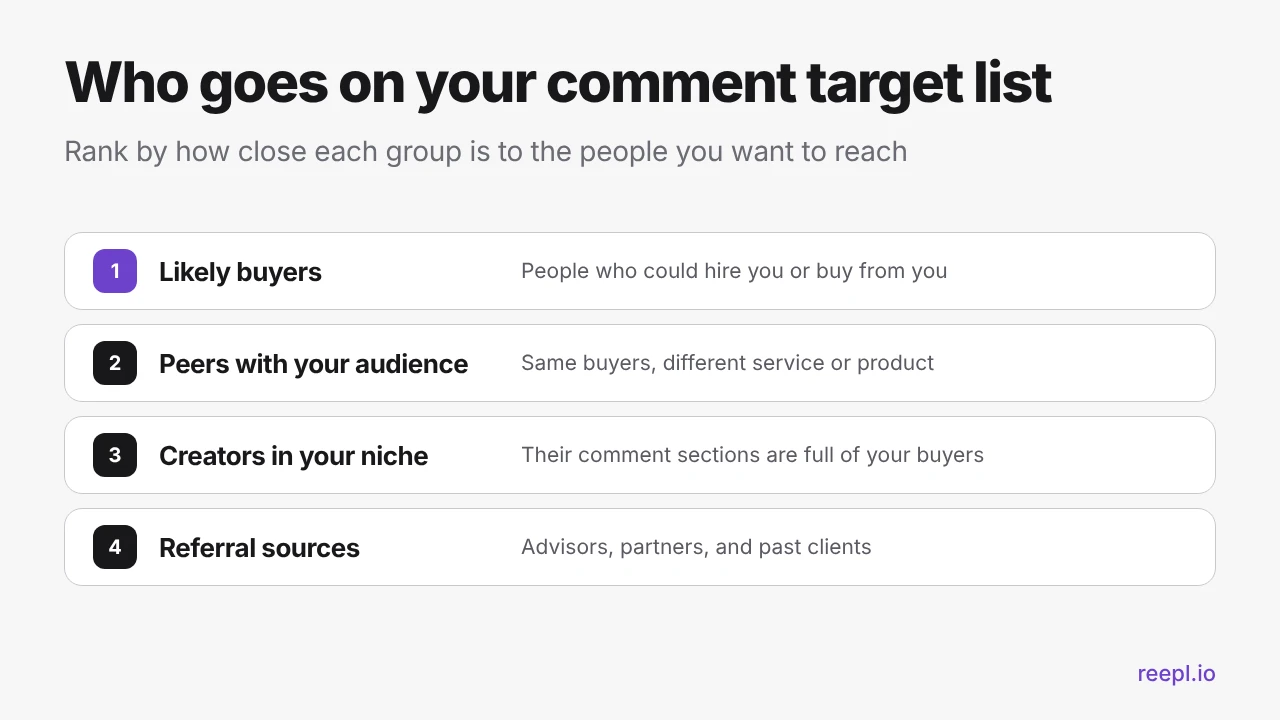
- Likely buyers. People who could hire you or buy from you, and the people who influence their decisions. These comments matter most, and they are also the ones where a generic reply is most expensive.
- Peers with your audience. People who sell something different to the same buyers. Their audience is your audience, and they are often generous with replies.
- Creators in your niche. Their posts attract many comments from your buyers. You get seen by people on your list and people who are not on it yet.
- Referral sources. Advisors, partners, and past clients who know people you would like to meet.
To find them, look at who your last few clients or colleagues follow, who shows up repeatedly in the comments of posts in your niche, and who your best existing contacts engage with. Keep the list in a spreadsheet, follow each person, and turn on post notifications where LinkedIn® offers it.
Mix account sizes. A very large account puts you in front of many people, but your comment lands among hundreds. A mid-size account has less reach, but the author is more likely to read and answer your comment, and a reply is how a relationship begins.
Step 2: Comment early, not first
Timing is the second half of the targeting question. Hootsuite describes the LinkedIn® algorithm in three stages: quality filtering, engagement testing with a small group, then wider network ranking. The testing stage happens soon after a post goes live, so early, substantive conversation is useful to the author.
There is also a practical reason. A thread with five comments is easier to stand out in than one with five hundred.
No outside source can tell you an official window, so treat "early" as a habit, not a stopwatch. Here is how to make it workable:
- Check in two blocks a day. One in your morning and one in the early afternoon, in the timezone where most of your target accounts are based.
- Use notifications for your top group. For the accounts closest to your buyers, a notification lets you reply while the thread is young.
- Do not race for first place. A rushed comment that says nothing is worse than a thoughtful one an hour later. Value is the requirement.
- Late comments still count. If you see a great post a day old, comment anyway. The author will often reply, and a reply is the point.
Step 3: Make every comment add something
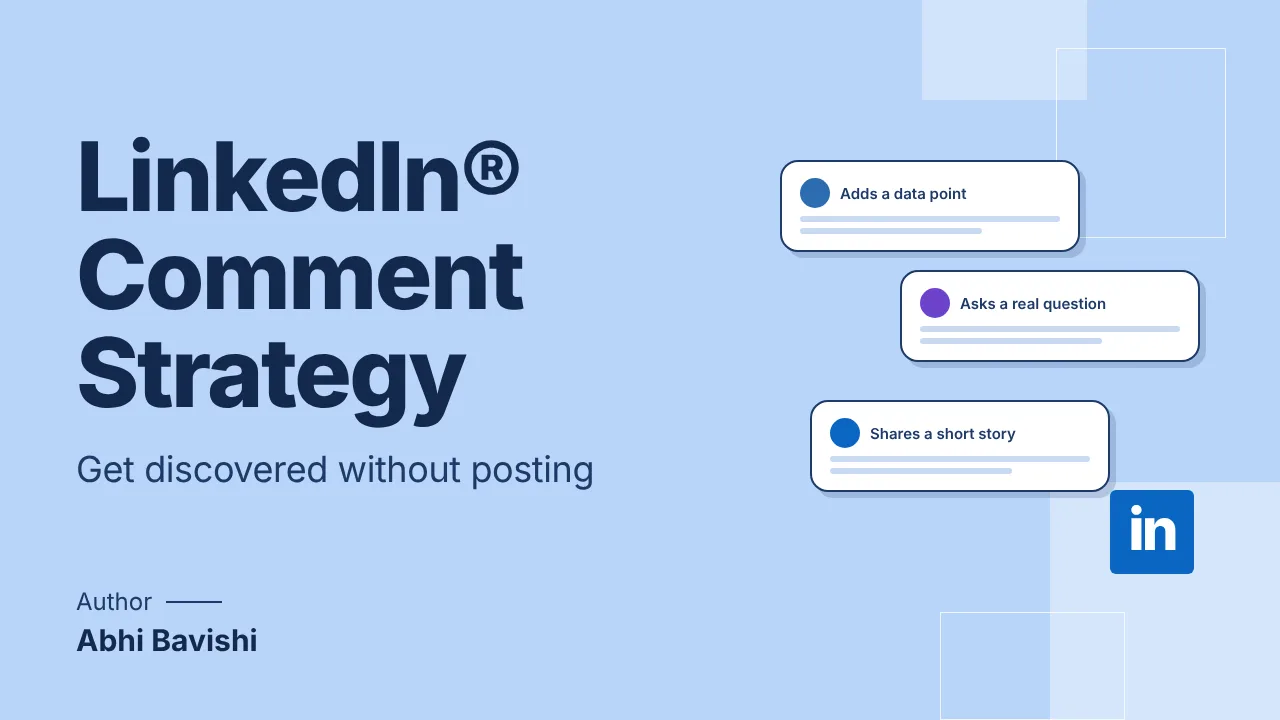
Early only helps if the comment is worth reading. A useful comment does one clear job. Four jobs cover most situations:
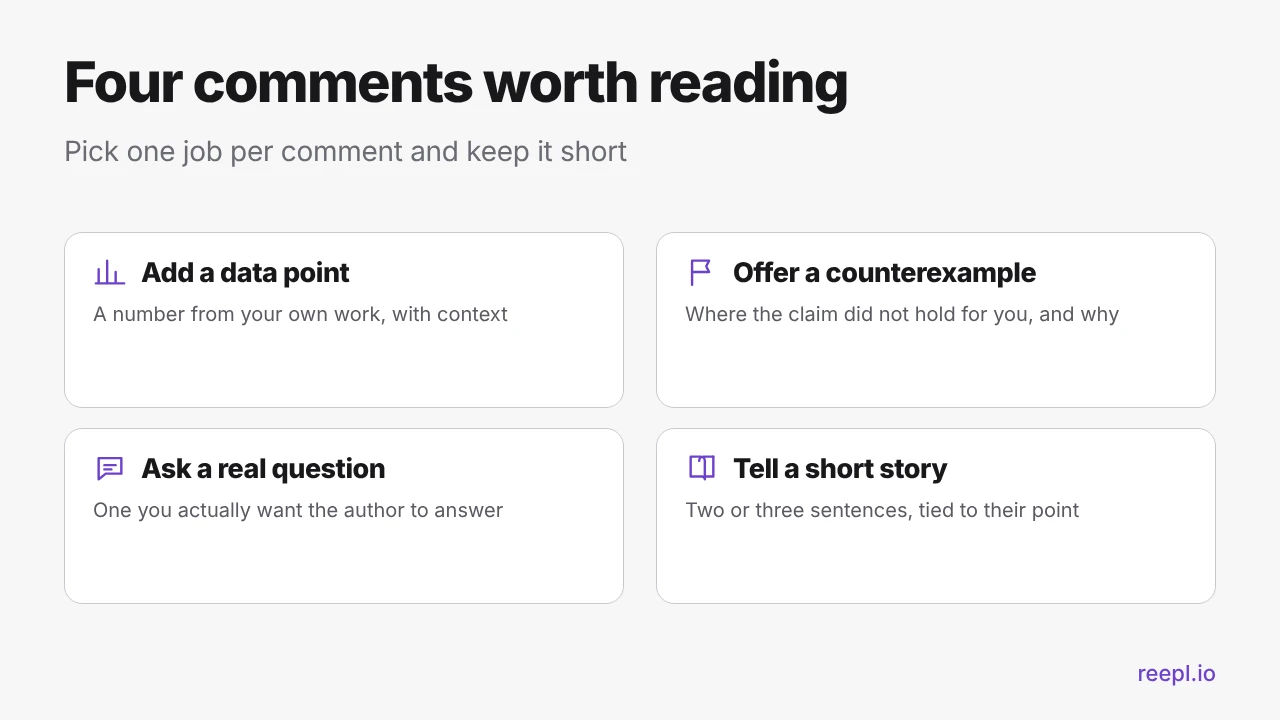
Here is each one applied to an illustrative post that claims "Cold outreach is dead. Referrals are the only channel left." These examples are written to show the shape of each comment, not to claim a result. Swap in your own details.
Add a data point
"In my own pipeline, referrals closed more often last quarter, but most first conversations still began with a message that referenced something specific. [Your real number or observation here.]"
A data point only works if it is yours and true. No number? Use an observation.
Offer a counterexample
"This held for us until we changed niches. We had no referral network in the new market, so outreach that led with one specific observation was the only way in."
Disagreement is welcome when it is specific and polite. Say where the claim did not hold for you and why.
Ask a real question
"When a referral stalls at the introduction, what do you do to keep it moving? Do you stay on the thread or step back?"
Ask something you actually want answered. It shows you read closely and gives the author an easy reason to reply.
Tell a short story
"We lost a referral once because I waited a week to follow up. Now the follow-up goes out the same day."
A few openers that keep you honest
- "One thing I would add from my own work:"
- "I have seen the opposite, and here is why:"
- "Question on your second point:"
- "This happened to me last year:"
Keep the point in the first line, because long comments are often collapsed behind a "see more" link. Two to four sentences is plenty.
Step 4: Set a cadence you can keep
Consistency beats intensity. A routine you can run on a busy Thursday will outperform a burst of effort you abandon after a week. As a starting suggestion, aim for three to five considered comments per weekday, in about 20 to 30 minutes. No number of comments is proven to produce more reach, so adjust the volume to what you can do well.
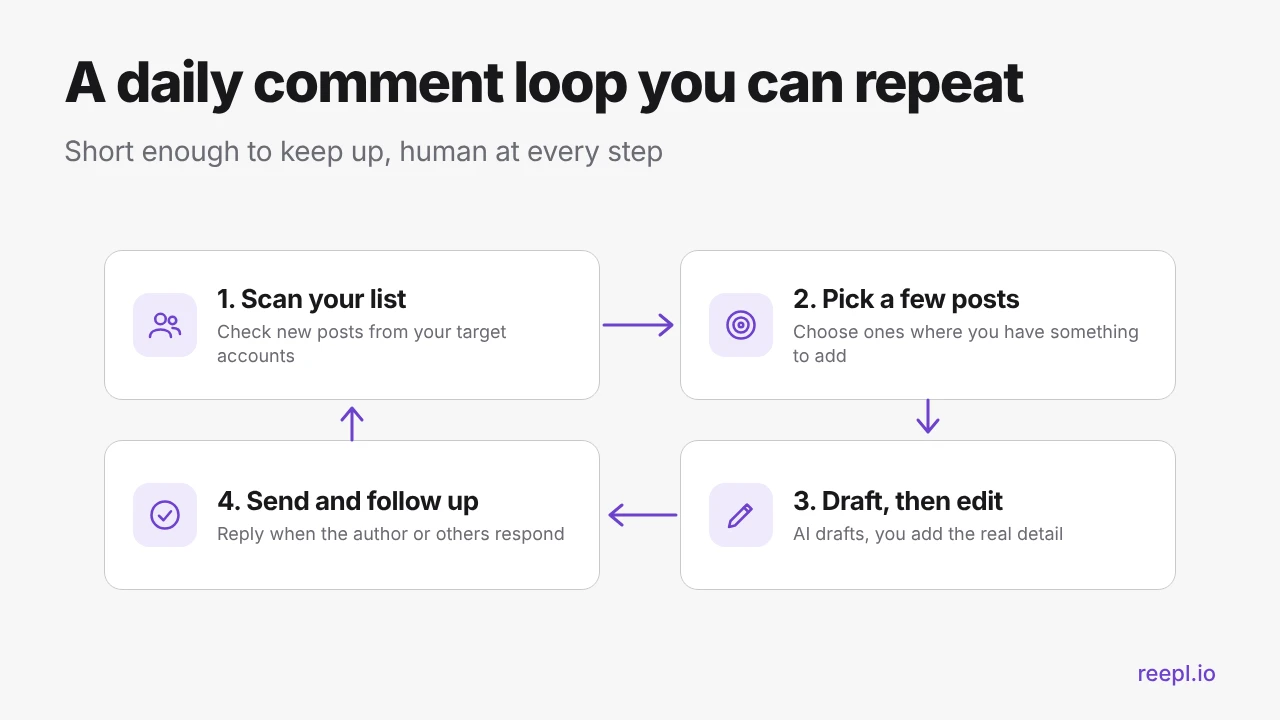
- Scan your list. Look at new posts from your target accounts, top group first.
- Pick a few posts. Choose the ones where you have something real to add. Skipping the rest is part of the strategy.
- Draft, then edit. Write the comment, or have AI draft it, then rework it until it sounds like you and contains a detail only you could add.
- Send and follow up. Post the comment yourself. Come back later and reply to anyone who responds.
Once a week, spend 15 minutes on the list itself. Remove accounts that never post, add two or three new ones, and note which comments drew replies.
Where Reepl fits: drafts, not auto-comments
The time sink in this routine is the blank comment box. Reepl's Chrome extension works in LinkedIn® comment boxes and drafts reply text for you. You read the draft, edit it, add your own specifics, and press send. Reepl does not post anything on your behalf. Drafts can follow a voice profile built from your own writing, so they sound like you.
The Free plan includes 5 AI comments and 5 AI messages per day, which fits a five-comments-a-day habit well. Pro is $19 a month if you want more room. See the pricing page for current details.
Treat every draft as raw material. An AI draft cannot know your real numbers or client stories. That detail makes a comment worth reading, so it has to come from you.
Step 5: Turn comments into visits and relationships
A comment is a door, not the destination. For it to turn into something, three things need to be true.
Your profile has to be ready
People who click through land on your profile. Check that your headline says who you help and how, your About section is clear, and your featured area shows a reason to follow you. Fix this before you ramp up, because a visit that goes nowhere is wasted.
You have to show up more than once
One comment is an introduction. A few thoughtful comments on the same person's posts over a couple of weeks is a pattern they start to recognise. Reply to responses within a day, since the reply thread is a second chance to be useful.
Escalate slowly
A suggested sequence: comment on a few posts, reply when they respond, then send a connection request that mentions something from the thread. Move to a direct message only when you have a real reason, such as a question about their work or a resource you promised. Do not pitch in the first message. If you are a service provider, our guide to LinkedIn® for consultants goes deeper on turning attention into conversations.
How to measure whether it is working
Results are slow and fuzzy, so keep tracking simple. Once a week, note:
- Comments sent and how many were on your top-priority accounts.
- Replies received, especially from the author of the post.
- Profile views, as LinkedIn® shows them to you, plus new followers and connection requests from people on or near your list.
- Conversations started and, eventually, calls booked.
Review after four weeks, not four days. If comments get no replies, the usual culprits are targeting, depth (comments that add nothing), or timing (arriving after the thread has gone quiet). For the wider picture of what LinkedIn® rewards, see our breakdown of LinkedIn® algorithm ranking signals.
What not to do, and why
Generic comments
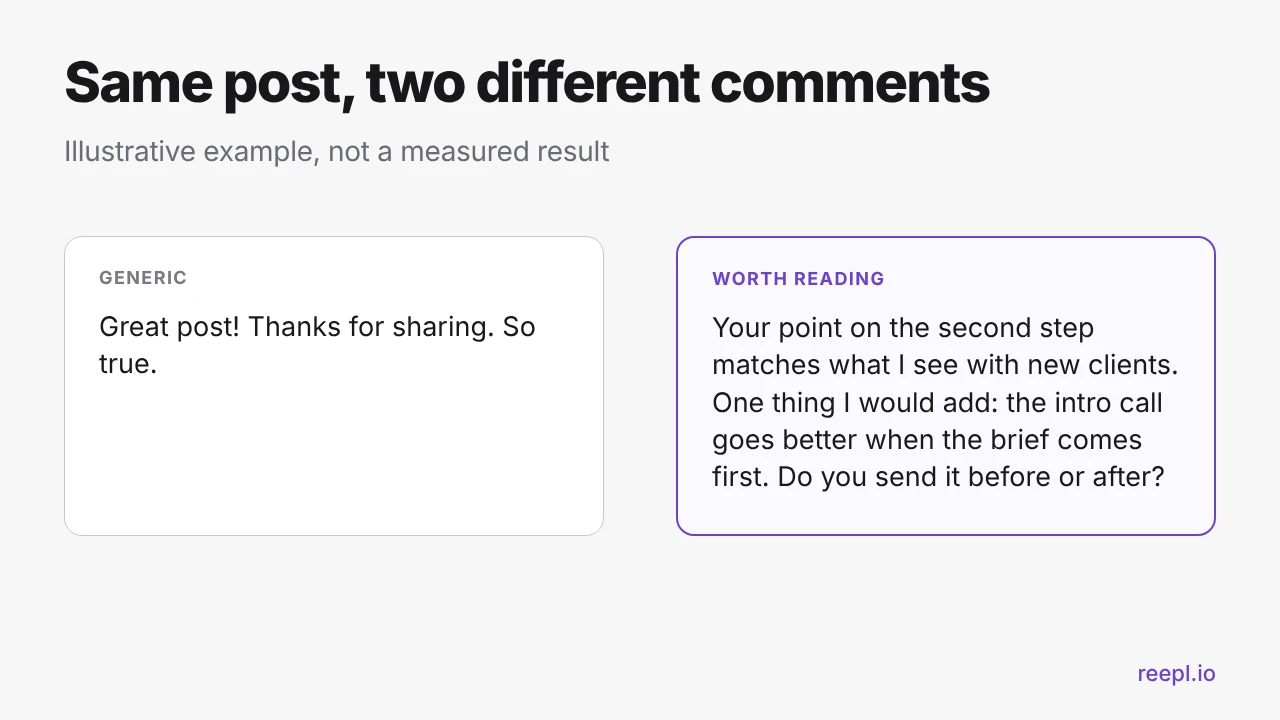
"Great post!", "Thanks for sharing", and "So true" carry no information. The author learns nothing, readers have no reason to click your name, and the comment could sit under any post on the platform, which is exactly the problem.
Engagement pods
Pods are groups that agree to like and comment on each other's posts. The comments tend to be interchangeable, so they fail the "worth reading" test. They also put your name next to a crowd you did not choose, and they tell you nothing about whether real buyers respond to what you say.
Automation
Comment bots and auto-commenting tools post without you reading the post or the thread. That is the opposite of this strategy, which depends on judgment and a real point of view. LinkedIn® also prohibits unauthorized tools that automate activity on its site. See its guidance on automated activity, and our roundup of LinkedIn® automation tools for the trade-offs. The safer line is simple: AI can draft, but a human reads, edits, and sends.
Other habits to drop
- Pitching in the comments or dropping links to your own offer.
- Commenting on posts you have not read in full.
- Arguing for attention. Disagree with reasons, or do not comment.
- Sending unedited AI drafts. See whether LinkedIn® penalizes AI content.
The short version
Pick 20 to 30 people worth knowing. Check their posts daily, comment early when you can, and add one real thing: a data point, a counterexample, a question, or a short story. Keep the volume to something you can sustain, reply to every response, and review the results after a month.
Draft Better Comments in Minutes, Send Them Yourself
Reepl drafts comments in your voice inside LinkedIn®. You review, edit, and send every one.